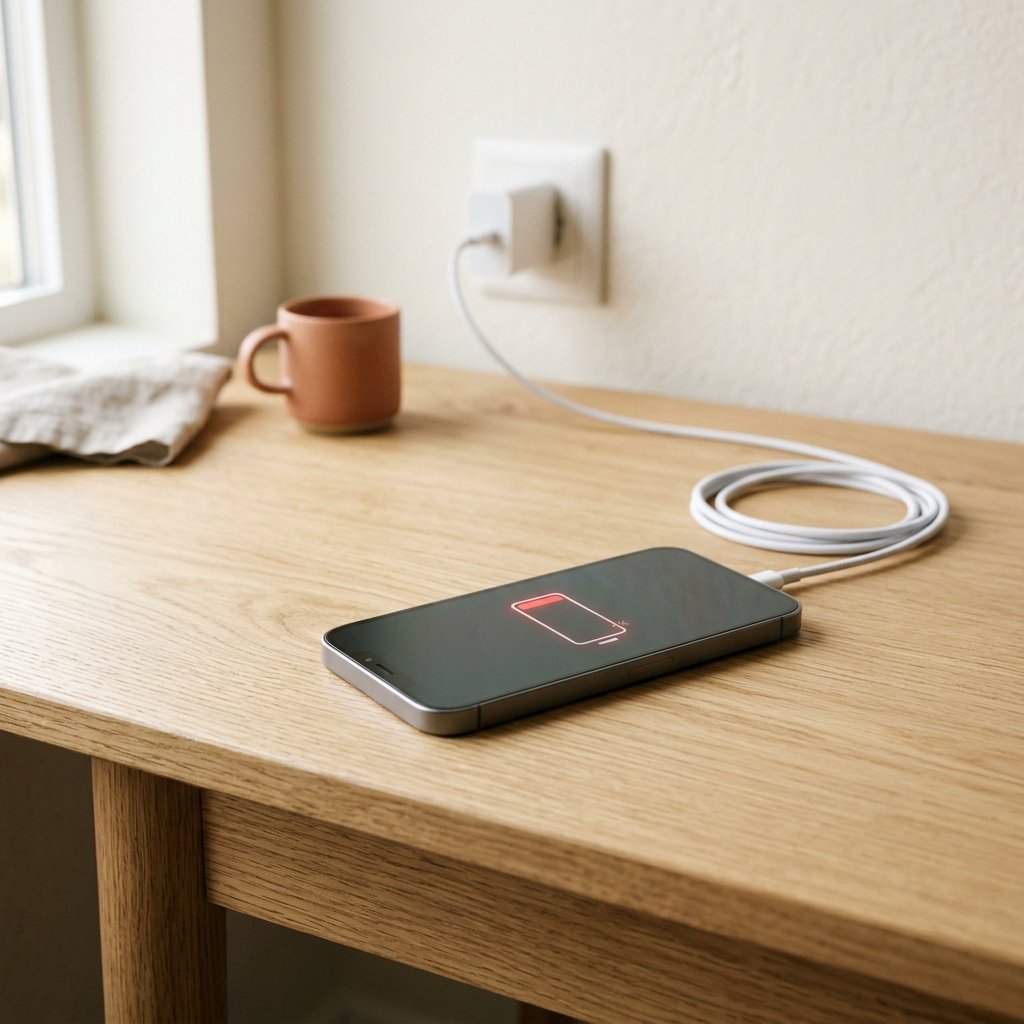
A phone that lasted a full day last year now dies by the afternoon. That usually has a clear cause. An app is working in the background, the screen is brighter than you need, or the battery itself is ageing. You can find out which one in about ten minutes.
1. Check which apps use the most battery
On Android, go to Settings, then Battery, and check the usage list. On an iPhone, go to Settings, then Battery, and look at the last 24 hours or 10 days. If one app uses a large share with little use, that is your first suspect.
2. Limit background activity
Social media, shopping and navigation apps often refresh in the background. Turn off background refresh for apps you rarely open, and restrict them where your phone allows.
3. Lower brightness and use auto-brightness
The screen is the biggest battery user for most people. Turn on auto-brightness and lower the maximum level. Dark mode also helps on OLED screens.
4. Turn off location and always-on features
Set location to “while using the app” for most apps. Turn off always-on display, unless you use it, and reduce vibration and keyboard sounds.
5. Check for weak signal
When signal is poor, the phone works harder to stay connected. If you are in a basement or at the edge of coverage, switch to Wi-Fi or enable airplane mode for a while.
6. Update the phone and apps
Updates often fix battery bugs. Install pending system updates and app updates, then watch the battery for a day or two.
7. Remove apps you do not use
Unused apps still send notifications, sync data and sometimes run services. Uninstall or disable what you do not need.
8. Check the battery health
Batteries wear out after 2 to 3 years of regular use. On iPhone, check Battery Health in settings. On many Android phones, the health figure is in the battery or device care menu. If the health is below about 80 percent, a battery replacement from an authorised service centre is often the best fix.
Frequently asked questions
Why does my phone heat up while draining fast?
An app working hard in the background, poor signal, or a charging problem can all cause heat. Check battery usage first, and stop charging if the phone gets very hot.
Does fast charging damage the battery?
Fast charging creates more heat, which wears batteries faster over time. Using it occasionally is fine. Avoid it every night if you want the battery to last longer.