










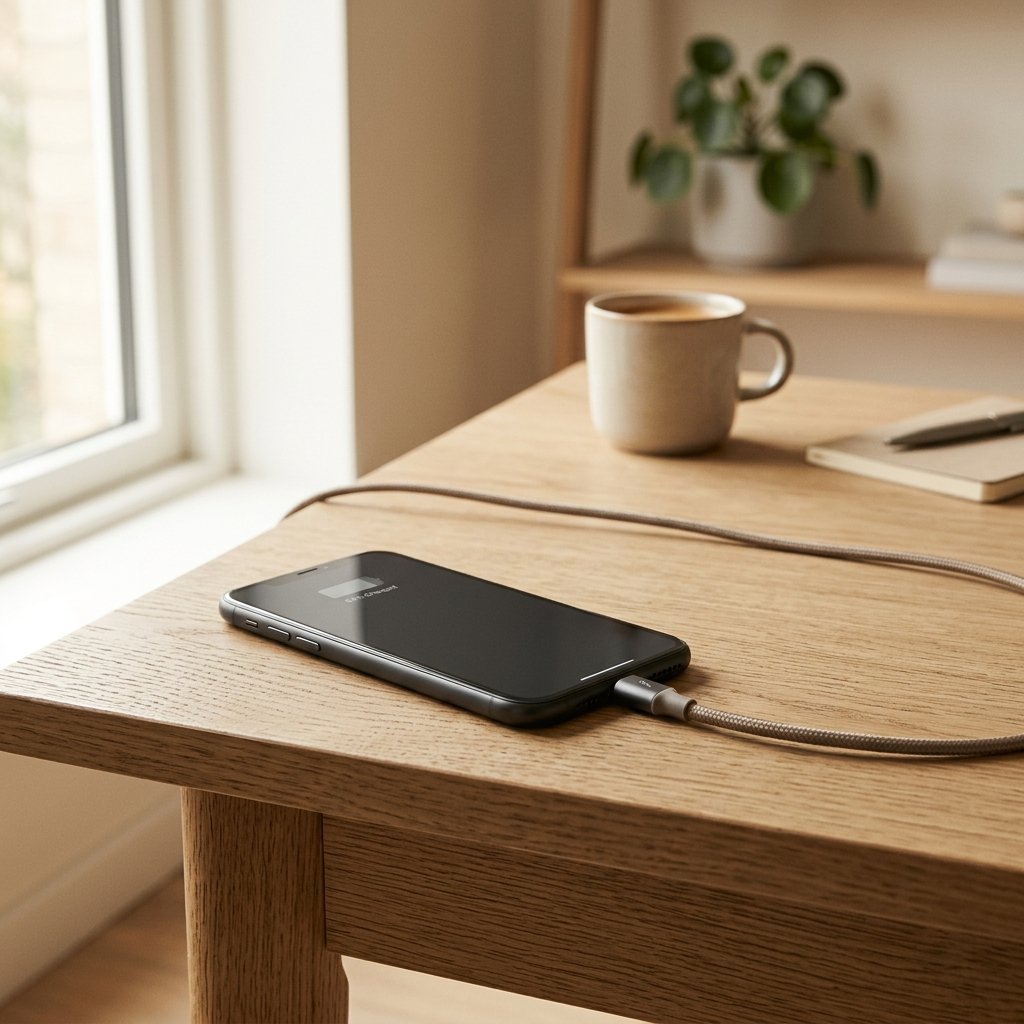
A phone that will not charge, or charges painfully slowly, is frustrating. Most of the time the cause is simple: a dirty port, a worn cable, or a slow adapter. A quick check of each part usually finds the fault before you spend money on a new charger or repair.
Step 1: Clean the charging port
Lint and dust collect in the port and stop the cable making full contact. Turn the phone off, then use a wooden or plastic toothpick to gently clear it. Do not use metal tools, and do not blow hard into the port, because moisture from your breath can cause corrosion.
Step 2: Try a different cable and adapter
Cables wear out at the ends, especially where they bend. Try a known good cable and a certified adapter. A cheap cable may charge slowly or stop when you move it.
Step 3: Try another power source
Plug the charger into a different socket, or a laptop USB port. If the phone charges on one but not the other, the issue is the power source.
Step 4: Check the charging settings
Some phones limit charging to protect the battery. Check whether battery protection, optimised charging or a charging limit is turned on. Also check whether the phone is in a low-power or battery saver mode, which can slow charging.
Step 5: Restart and check for updates
A restart clears software glitches. Then install any pending updates. Some charging bugs are fixed in later versions of the software.
When it is the battery or the port
- The phone charges only when the cable is held at a certain angle.
- The phone gets very hot while charging.
- The battery drains fast even when charging.
- The phone shows a charging warning message, or it shuts off at a moderate charge.
In these cases, get a technician to check the port or battery. Ask for an authorised service centre or a reputed repair shop, and check the warranty first.
Frequently asked questions
Can I use any fast charger for my phone?
Most phones charge safely with a certified charger that matches their power rating. Avoid very cheap chargers, because they can overheat or charge poorly.
Why does my phone charge only when plugged in at a certain angle?
This usually means a worn port or a damaged cable. A port repair or a new cable often fixes it.







[…] Phone Not Charging? Check These Fixes Before You Buy a New One […]