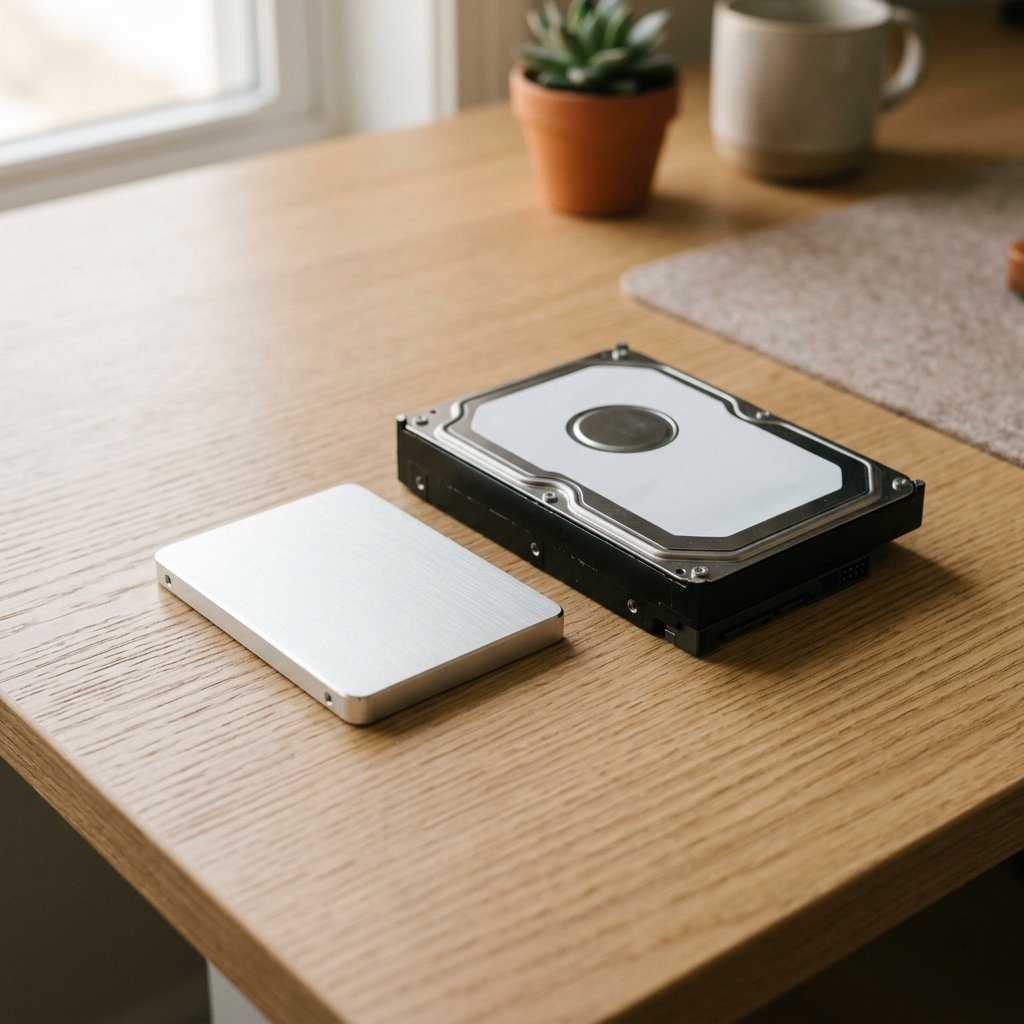
Choosing between an SSD and an HDD is one of the simplest upgrades you can make, and it is still confusing because both are sold side by side. The short answer: buy an SSD for anything you use every day, and consider an HDD only for large, cheap storage. Here is how they compare.
How they work
- SSD (solid state drive): stores data on flash memory chips, like a large USB drive. No moving parts.
- HDD (hard disk drive): stores data on spinning magnetic platters, read by a moving arm. The older technology.
Speed
An SSD is far faster. A typical SATA SSD reads data several times faster than an HDD, and an NVMe SSD is faster still. The difference you feel is boot time, app launch time and file copying. A computer with an HDD that takes a minute to boot can start in under 20 seconds with an SSD.
Price per gigabyte
HDDs are cheaper per gigabyte, especially at large sizes. SSD prices have fallen a lot, and small SSDs are now affordable, but if you need 4 TB or more on a budget, an HDD is still the cheaper choice.
Lifespan and reliability
SSDs have no moving parts, so they survive drops and vibration better. HDDs can fail from a knock. Both have a finite life: SSDs wear out after many write cycles, and HDDs wear out mechanically. For normal use, either lasts several years. Back up important data either way.
Noise, heat and power
HDDs click and hum, and use more power. SSDs are silent and use less power, which helps laptop battery life.
Which to buy, by use case
- Laptop: SSD. Faster, lighter, quieter, better battery life.
- Desktop main drive: SSD. The speed difference is felt every day.
- Gaming: SSD. Faster load times and smoother installs.
- Large media or backup storage: HDD, or an SSD if budget allows.
- NAS or server: depends on use. Many people use SSDs for active data and HDDs for bulk storage.
SSD types: SATA vs NVMe
SATA SSDs use the older interface and are cheaper. NVMe SSDs use the M.2 slot and are much faster. Check what your motherboard or laptop supports before you buy. If both are supported and the price gap is small, choose NVMe.
Frequently asked questions
Should I replace my HDD with an SSD?
Yes, if your computer feels slow and the HDD is the bottleneck. It is often the cheapest way to make an old computer feel new.
Do SSDs last as long as HDDs?
For normal use, both last several years. SSDs wear out from writes, but most users never reach that limit.
Can I use both an SSD and an HDD together?
Yes. A common setup is an SSD for the operating system and apps, and an HDD for large files and backups.