










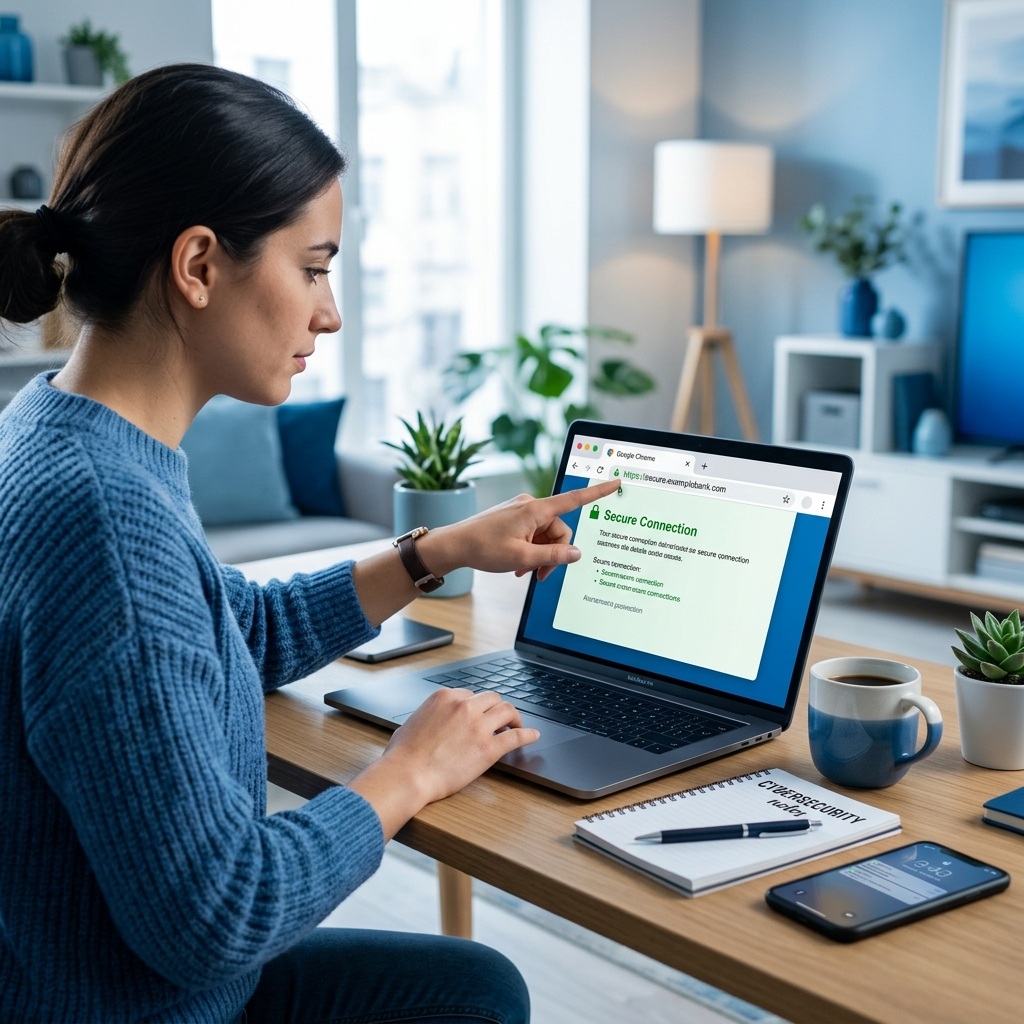
Is This Website Safe? 8 Checks That Take Under 2 Minutes
To check if a website is safe, verify the padlock (HTTPS), scan the URL for misspellings, run it through Google’s Safe Browsing scanner, and check the domain age. Over 1.2 million phishing sites are blocked by Google every week, and most use convincing copies of real brands. The 8 checks below answer is this website safe in under 2 minutes total and catch the overwhelming majority of dangerous sites before you enter any data.
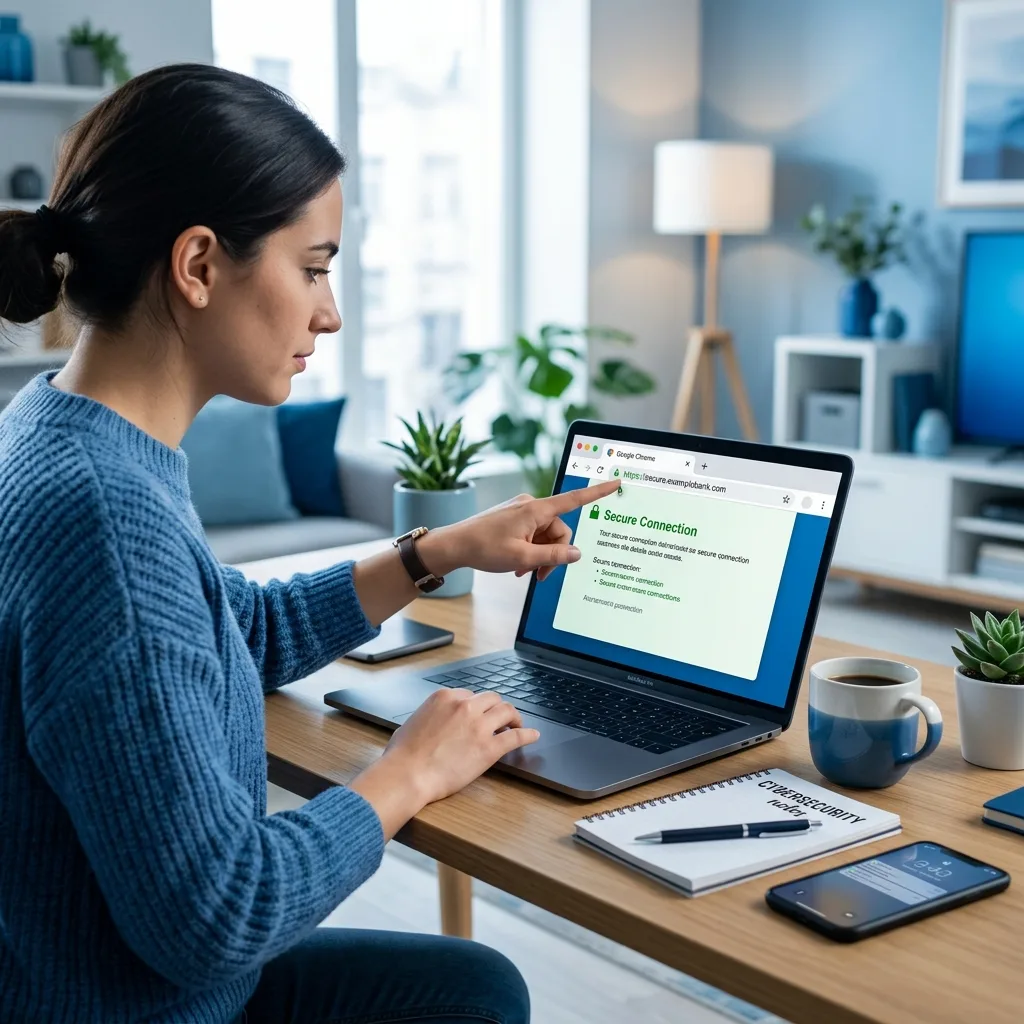
The 8 Safety Checks (Fastest First)
- Look for HTTPS and the padlock. The padlock means traffic is encrypted — not that the site is honest. Scam sites get free certificates too. No padlock at all on a site asking for logins or payment = leave immediately.
- Read the URL character by character. This is the single most effective check. Phishers rely on visual similarity: paypa1.com (digit 1), amaz0n-secure.com (zero + hyphen), netflix-billing.info. The real domain is what sits immediately before the first single slash — everything before it in paypal.com.verify-login.ru is a decoy.
- Check domain age. Most phishing domains are days or weeks old. Free WHOIS lookups (whois.com, who.is) show registration dates. A “bank” registered 3 weeks ago is not your bank. Legitimate businesses usually have domains registered years ago.
- Scan with Google Safe Browsing. Visit transparencyreport.google.com/safe-browsing/search, paste the URL, and Google reports if it has flagged the site for malware, phishing or unwanted software. Takes 5 seconds.
- Search the site name + “scam” or “reviews”. Fraudulent shops accumulate complaints fast. Search “site name” scam and “site name” reviews reddit — real users report problems quickly.
- Check contact details and policies. A real business has a physical address, working phone number, and readable privacy policy. Scam shops have a web form, a free email address (Gmail for a “company”), and copied legalese.
- Look for trust signals — carefully. Trust badges (Norton, McAfee seals) can be faked with a screenshot. Verify by clicking: a real badge links to a verification page on the security firm’s own domain. This check alone answers is this website safe for most pop-up-heavy pages. A dead image is a red flag.
- Inspect prices and offers. If a ₹40,000 phone is ₹8,000 with free shipping, the business model is your data or your money — not retail. Impossibly low prices are the most reliable scam marker across studies.
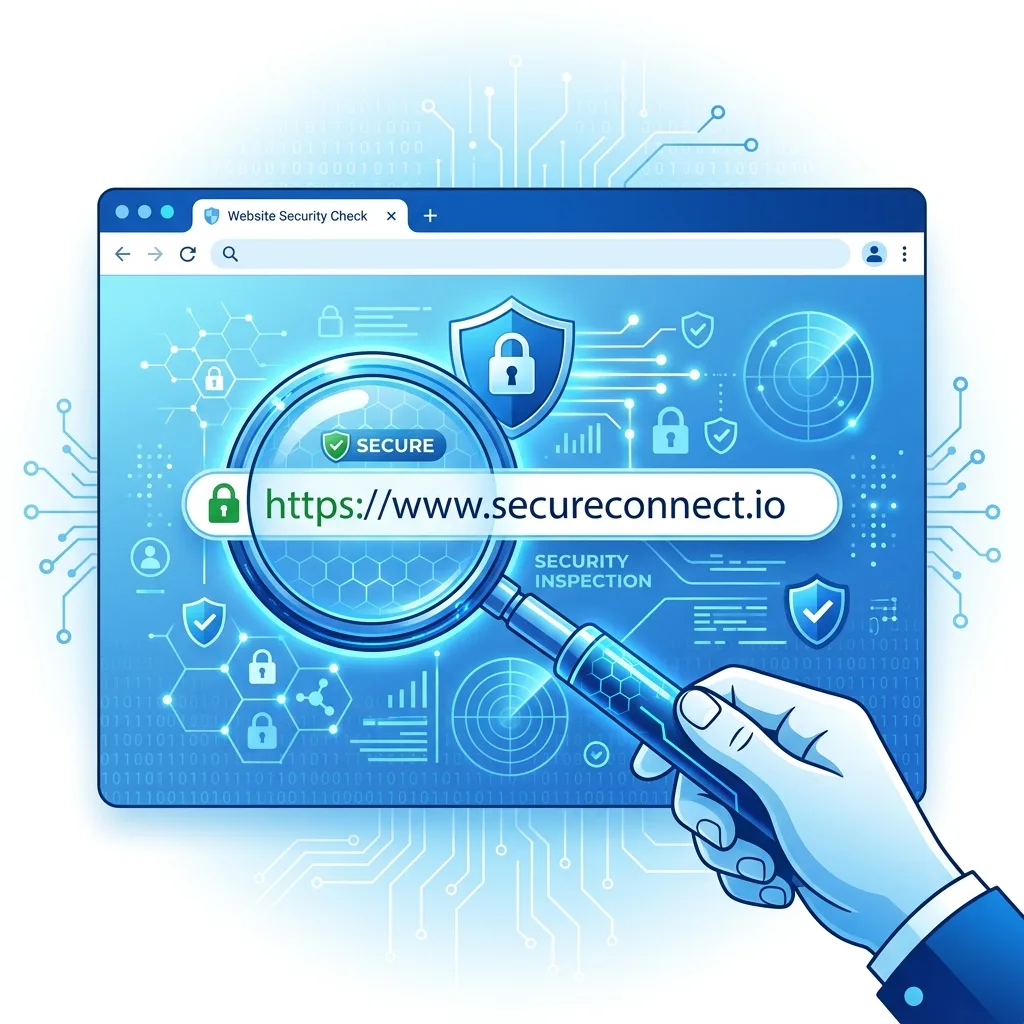
Red Flags: Is This Website Safe or a Scam?
Beyond the checks, these patterns appear again and again in confirmed fraud sites:
- Urgency pressure. “Only 2 left!”, “Offer closes in 10 minutes!”, countdown timers that reset on reload. Pressure exists to stop you from verifying.
- Payment red flags. Only bank transfer, UPI to a personal name, gift cards or crypto accepted. Legitimate shops offer card payment with buyer protection.
- Fresh design, broken details. Stock photos of gleaming warehouses, but broken English in the FAQ, or a shipping policy mentioning another country.
- No presence outside the site. A real company leaves footprints — LinkedIn page, Google Business listing, news mentions, app store history. A company that exists only on its own website is a warning.
- Login pages reached from emails/SMS. If an email or text says “your account is locked, login here,” never click. Navigate to the site by typing the address yourself.
- Popups demanding notifications or downloads. “Click ALLOW to continue” installs adware. Real sites do not need browser notifications to function.
The URL Anatomy Lesson: Where Scammers Hide
Understanding URL structure defeats most phishing instantly. Take this fake:
https://secure.icicibank.com.login-verify.ru/session
https://— encrypted connection. Says nothing about honesty.secure.icicibank.com— a subdomain the scammer created to look like the bank. Decorative.login-verify.ru— the actual domain (everything before the first single slash after https://). This is who owns the server. A .ru domain has nothing to do with ICICI Bank.
Rule: the domain is the part immediately before the first single slash. Compare it character-by-character with the real address. Also check the TLD: banks and government sites use .com/.in/.gov.in — a bank on .xyz or .top is fraudulent by definition.
Use These Free Tools to Check If a Website Is Safe
| Tool | What it checks | Best for |
|---|---|---|
| Google Safe Browsing checker | Malware, phishing flags | Fast universal check |
| VirusTotal (virustotal.com) | Scans URL against 90+ security engines | Suspicious downloads and links |
| WHOIS lookup | Domain age, owner, country | Shops you have never heard of |
| URLScan.io | Shows what the page actually loads and where data goes | Technical users, email links |
| Scamadviser / Trustpilot | User reviews and automated trust scores | Shopping sites |
| Google Transparency Report | Historical flags on the domain | Second opinion |
No single tool is perfect — new scam sites take days to get flagged. That is why the manual checks (URL reading, domain age, contact details) matter even when tools report “clean.”

Shopping Sites: Extra Checks Before You Pay
E-commerce fraud deserves its own checklist because the stakes are direct payments:
- Reverse-image search the product photos. Right-click → Search image with Google. Stolen stock photography is the signature of fake shops.
- Check the returns policy for a real address and timeframe. “No returns” or “returns to a warehouse in another country” predicts problems.
- Prefer card payments or COD over UPI-to-person. Cards carry chargeback rights; UPI transfers to individuals are rarely recoverable.
- Verify social media age. A shop whose Instagram was created last month with 500 followers and viral discounts is pattern-matching fraud.
- Start small. First order from an unknown shop: the cheapest item, COD if possible. A genuine business passes the test; a scam loses interest.
Banking and Government Sites: Zero-Tolerance Rules
For anything touching money or identity, apply stricter rules than for shopping:
- Type the address yourself. Never reach a bank, income tax, or payment site through email, SMS or WhatsApp links — type the bookmarked address.
- Bookmark once, click forever. Save the official URL on first verified visit; use the bookmark for life.
- No bank asks for OTP, PIN or full password — on any page, for any reason, including “verification.” Any request is fraudulent by definition.
- Government services in India end in .gov.in or .nic.in. Income-tax refund messages with other domains are scams; the ITR refund theme is currently among the most-abused phishing lures in India.
- Check the certificate details. Click the padlock → certificate. For banks, the issuing organisation should match the bank name, not a random cloud host.
If You Already Entered Data on a Bad Site
Act fast, in this order:
- Bank/card details entered: call your bank’s fraud line immediately (the number on your card, not any number the site gave), block the card, and dispute charges. Indian banks can often intercept transactions reported within hours.
- Password reused anywhere: change it on the compromised site and every site sharing that password, starting with email. Password reuse is how one phishing site becomes ten hacked accounts.
- Enable 2-factor authentication on email and banking first — email is the recovery key to everything else.
- Check devices for malware if you also downloaded a file: full scan with Windows Defender or Malwarebytes.
- Report it: cybercrime.gov.in for Indian victims, Google Safe Browsing report page to warn future visitors. Reporting takes minutes and protects others.
Common Scam Types That Fake Websites Use
Knowing the categories helps you pattern-match quickly when asking is this website safe:
- Phishing clones. Pixel-perfect copies of bank, email or government login pages. Goal: your credentials. Usually reached via links in email/SMS, not search.
- Fake shops. Trending products (shoes, gadgets, supplements) at 60–80% discounts. Goal: card details or an upfront payment that never ships. Often run for weeks, collect money, then vanish.
- Job and task fraud. “Earn ₹5,000 daily doing WhatsApp tasks/likes/reviews.” Goal: registration fees and escalating “deposit” payments. The earnings shown are fake dashboards.
- Investment and trading platforms. Fake crypto/forex apps showing guaranteed returns. Goal: deposits you can never withdraw. Guaranteed returns are the single most reliable marker — real markets do not guarantee anything.
- Tech-support scams. Popups claiming your PC is infected, with a phone number. Goal: remote access to your computer and payments for fake “fixes.”
- Lottery/KBC fraud. “You won a WhatsApp lottery/Deepak Chahar scheme, pay processing fee to claim.” No lottery requires payment to receive winnings.
- Fake government portals. Clones of visa booking, income tax, or Aadhaar update sites charging “convenience fees” to personal accounts.
How to Check If a Website Is Safe on Mobile
Mobile browsers hide the URL, which makes verification harder — and scammers know it. Mobile-specific steps:
- Tap the address bar or padlock icon to expand the full URL before trusting any page. Safari and Chrome both shorten URLs by default, hiding subdomain tricks.
- Long-press links before tapping in chat apps and email — a preview menu shows the true destination. If the preview domain differs from the display text, do not tap.
- Never approve payment requests from notification banners. Open the official app (UPI app, bank app) from your home screen and check for genuine requests there.
- Beware of app-install prompts. “Download our app” APK files from websites bypass Play Store security. Only install from official stores; a shop that only offers an APK is a hard no.
- Check for the padlock in in-app browsers too. Social-media shops opening inside Instagram/Facebook browsers are extra risky — open in Chrome/Safari instead where you can see the full address.

Trust Signals That Are Real vs Faked
| Signal | Real version | How it’s faked |
|---|---|---|
| HTTPS padlock | Encryption of traffic | Free certificates available to scammers too — proves nothing about honesty |
| Trust badges | Clickable → verification page on the security firm’s domain | Screenshot images with no link |
| Customer reviews | Mixed ratings, dated, specific complaints, owner replies | 100% five-star reviews posted within days, generic wording |
| Social media | Years-old accounts, real engagement in comments | Weeks-old accounts, bought followers, comment bots |
| Company registration | CIN/registration number verifiable on MCA portal | A number that leads nowhere |
| Awards and press logos | Links to actual articles | “As seen on” strips with logos of outlets that never covered them |
The pattern: fake signals are decorations, real signals are verifiable links and histories. Whenever a trust element cannot be clicked through to an independent source, treat it as absent.
What the Domain Extension (.com, .in, .xyz) Tells You
Domain suffixes carry useful priors when you judge whether a website is safe:
- .gov.in / .nic.in — Indian government only. Citizens cannot register these. Any “tax refund” or “Aadhaar” site outside these is fake.
- .com / .in / .org — neutral; both honest businesses and scammers use them. Verification depends on the checks above, not the suffix.
- .xyz, .top, .club, .online, .site, .buzz — cheap extensions (₹80–200/year) heavily favoured in fraud operations because bulk registration is easy. Presence does not prove fraud, but it raises the verification burden: check domain age and footprint extra carefully.
- Misspelled brand TLDs — “amazon-deals.info” style domains are fraudulent approximately always. Real brands do not run discounts on lookalike domains.
The free SSL certificate on a ₹90 domain is why “padlock + professional design” proves nothing. The economics of fraud defence: domains cost pennies, so your verification must rest on things that cost time and history — age, reviews, registration, and consistent identity across the web.
Browser Settings That Add Automatic Protection
Beyond manual checks, configure your browser to do passive screening every time you ask is this website safe — these settings warn before you even click:
- Safe Browsing on (Chrome/Edge default; Safari: Fraudulent Website Warning). Blocks known phishing and malware pages using continuously updated lists. Keep it on; it catches the sites that were already reported.
- Enhanced protection mode. Chrome and Edge offer stricter modes that check URLs in real time — worth enabling if you click many unknown links.
- Password manager alerts. Chrome Password Checkup and KeePassXC-Browser flag when you type your saved password on a non-matching domain — the strongest anti-phishing signal available, because a lookalike domain will never match your saved entry.
- Ad and script blockers (uBlock Origin). Many scam pages monetise through malicious ad networks; blocking third-party scripts removes the majority of drive-by risks.
- Never save passwords on suspicious pages — the browser’s refusal to autofill on a lookalike domain is itself a warning sign worth heeding.
These settings do not replace the 2-minute manual check for new shops and financial pages, but they provide a continuously-updated safety net for everyday browsing — catching reported threats automatically and leaving only the fresh fraud for your own judgment.
Frequently Asked Questions
Does HTTPS mean a website is safe?
No — it only means the connection is encrypted. Scam sites get free HTTPS certificates just like legitimate ones. HTTPS protects data in transit from eavesdroppers; it says nothing about who receives the data or whether they are honest. Treat the padlock as necessary but never sufficient.
How can I check if a website is safe before buying?
Run the 2-minute stack: read the URL character by character, check domain age on WHOIS, scan with Google Safe Browsing and VirusTotal, search “site name + scam”, and reverse-image search product photos. Then start with a small COD order if everything passes.
What is the most reliable sign of a scam website?
The combination of impossibly low prices plus payment methods without buyer protection (UPI to a personal ID, bank transfer, crypto, gift cards). Individually either is suspicious; together they are near-certain fraud.
Can a website be unsafe even if it looks professional?
Yes — professional templates cost nothing and scam sites copy real banks’ designs pixel-perfect. Design quality is not a safety signal at all. The URL, domain age and independent footprint (reviews, company registration) are what count.
How do I know if a link in an email is safe?
Hover (long-press on mobile) to preview the real destination URL before clicking — phishing emails show a friendly text over a hostile link. Better: never authenticate through email links at all. Open your bookmark of the official site instead. Unexpected attachments and “urgent” account warnings are the classic lures.
Is a website safe if it appears in Google search results?
Mostly, but not guaranteed. Google demotes flagged sites, and sponsored ads have weaker filtering — scammers buy ads above organic results for brand searches. For money matters, skip ads entirely and use the bookmark.
The Bottom Line
Is this website safe? Two minutes answers it in most cases: read the domain character by character, check its age, scan it with Google Safe Browsing and VirusTotal, and demand a real-world footprint — reviews, address, working contact details. Treat urgency, impossible prices and personal-account payment requests as alarms, never reach banking pages through links, and if you have already entered data, call the bank before anything else. Verification is cheap; recovering money and identity is not. Make the habit automatic: every time a new site asks for money, a password or an OTP, run the mental checklist first — the question is this website safe takes less time to answer than a single fraud dispute takes to resolve.
Related: What Is a VPN and Do You Need One? and 10 Best Free AI Tools.
Finally, remember that asking is this website safe is a habit, not a one-time test. The checks take seconds once practised, and they scale: the same URL-reading skill that catches a fake shop also catches a fake job portal, a fake investment app and a fake government refund page. Fraud evolves, but the underlying tells — pressure, impossible prices, untraceable payments and unverifiable identity — barely change at all.
Sources
- Google Safe Browsing — Transparency Report
- US FTC — Online Security resources
- CERT-In — Indian Computer Emergency Response Team
- National Cyber Crime Reporting Portal (India)
Explore more on Dangit: health, technology, science, nature, featured, lifestyle, society, the local business directory and more reading.







[…] Is This Website Safe? 8 Checks and 10 Best Free AI […]
[…] Is This Website Safe? 8 Checks and What Is a […]
[…] Is This Website Safe? and What Is a […]
[…] next on Dangit: how to check if a website is safe, what a VPN is and when you need one, what quantum computing […]
[…] are in the devices and applications on top of it rather than in the radio technology itself. Our website safety checks guide covers the layer where most people actually get caught out, and a VPN still has a role on any […]
[…] are available to phishing sites. It tells you nothing about who is on the other end. Our website safety checks guide covers the checks that do carry […]
[…] Is This Website Safe? 8 Best Checks That Take Under 2 Minutes […]
[…] Is This Website Safe? 8 Best Checks That Take Under 2 Minutes […]