










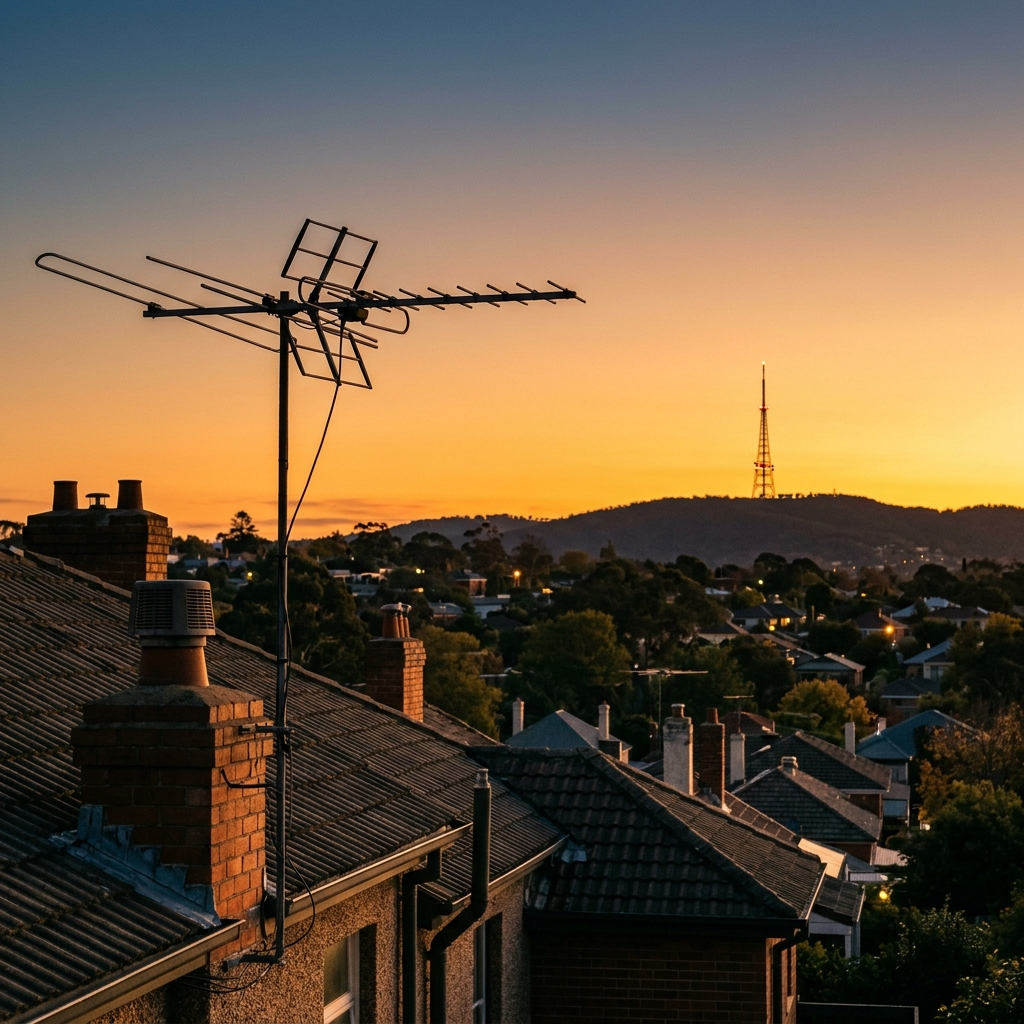
How to Locate Broadcast Towers Near You: 7 Tools That Actually Work
If you have ever wondered which direction your local TV station is actually transmitting from, why one channel pixelates while another is rock solid, or whether a taller antenna would genuinely help, you need to know how to locate broadcast towers and read what they are telling you. The good news is that this is now much easier than it used to be. Federal regulator databases, free community databases, and phone apps can put a precise bearing and distance in your hands in about two minutes.
This guide covers every reliable method to locate broadcast towers, how to interpret the numbers, how to point an antenna correctly, and the five mistakes that keep people from fixing their reception. Start with the method list below and you should have your answer before your coffee goes cold.
Why You Need to Locate Broadcast Towers at All
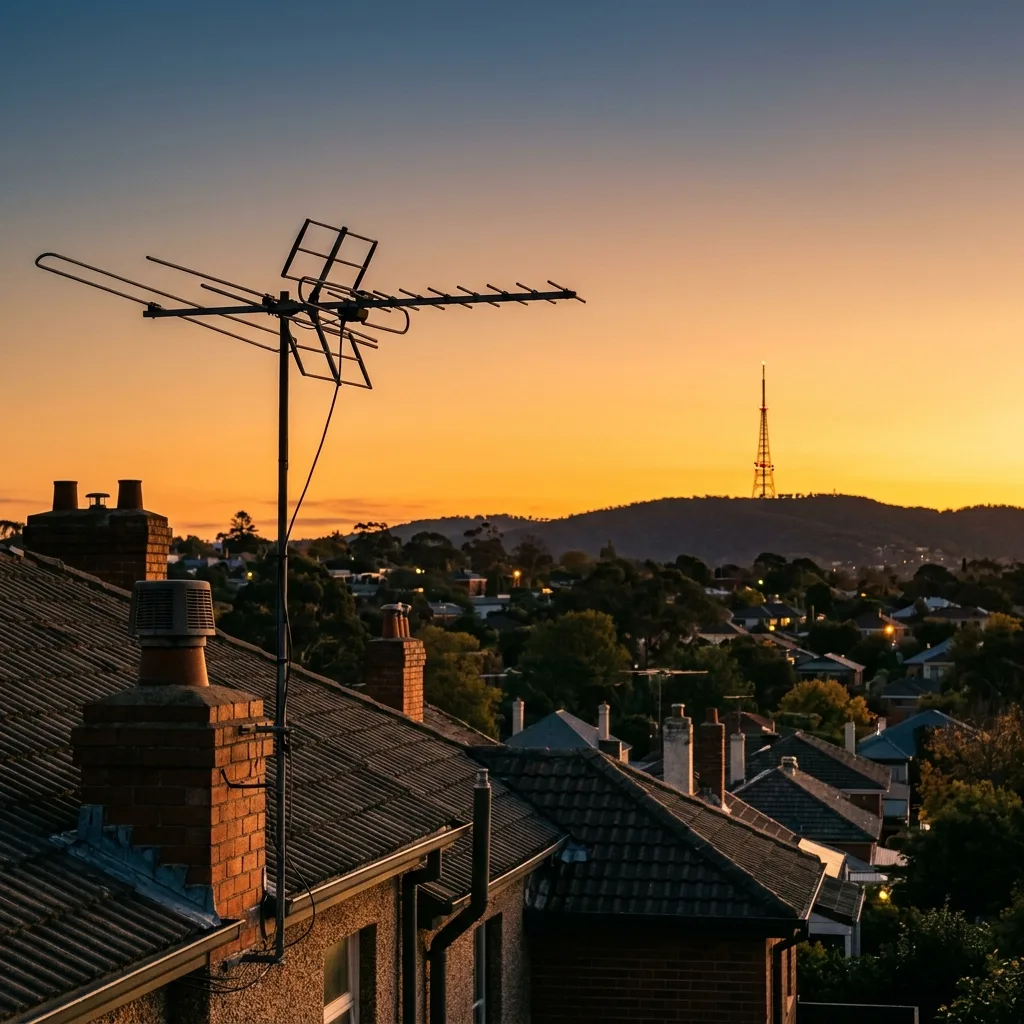
Over-the-air television and radio reception is a line-of-sight science. Your antenna needs a reasonably clear view of the transmitter, and once plants, buildings, hills, or your own roof get in the way, the signal degrades. Knowing exactly where the tower sits, and how to locate broadcast towers for the stations you actually receive, turns a guessing game into a five-minute job.
There are four practical situations where finding the tower changes your outcome immediately:
- Pixelation on specific channels only. If most stations are clear but one or two break up, the problem is almost always a blocked or distant line of sight to that one transmitter, not a faulty receiver.
- You are choosing where to put an antenna. Mounting position matters more than mounting height in many cases, and the tower bearing tells you which wall or roof face to aim at.
- You want to know if a bigger antenna is worth it. Distance and obstruction data tells you whether you need a larger gain antenna or whether you need a different location entirely.
- You are an enthusiast or a ham. Knowing the exact transmitter, its power, and its coordinates helps with reception reports and interference troubleshooting.
Most people who ask how to locate broadcast towers assume they need special hardware. None of that requires paid equipment. The tools below are free, and the official ones are maintained by the same agency that licenses the stations. If you only remember one thing about how to locate broadcast towers, remember that the official database is the starting point and the app is the finishing tool.
Method 1: The FCC TV Query (Free and Authoritative)
The single most reliable way to locate broadcast towers is the regulator’s own database. In the United States, the Federal Communications Commission publishes the complete list of licensed television facilities, including transmitter coordinates, channel numbers, and effective radiated power. You can search it at the FCC TV Query official channel search.
Here is how to use it well:
- Enter your state and city, or your ZIP code, into the query interface.
- Review the returned channel list. Each entry gives the virtual channel number, the network affiliation, and the facility details.
- Open an individual facility record to see the transmitter coordinates, the call sign, and the antenna height above ground level.
- Compare the facility coordinates against your own location to work out the distance and rough bearing.
If you take only one practical step from this guide, make it this one: before you buy anything, learn to locate broadcast towers for your exact address. Two details people miss here. First, look at the antenna height above ground level (HAAT) rather than just the raw coordinates, because a very tall tower on a hill can serve an area that looks impossible on a flat map. Second, note the effective radiated power: a full-power Class A station and a low-power translator behave very differently, and translators often carry the only local affiliate signal in rural areas.
For AM and FM radio there are equivalent official search tools, including the FCC AM station query and the FM station query in the same database system. These give you transmitter coordinates and daytime power, which is the figure that matters for AM because AM stations reduce power at night.
Method 2: RabbitEars.info (Best Detailed Database)
While the FCC data is authoritative, it is not always the friendliest. For a far more detailed view, RabbitEars.info is the most comprehensive public database of United States broadcast facilities and the tool enthusiasts actually use.
What RabbitEars does that the FCC query does not:
- Maps every transmitter and shows you the tower, its height, and its coverage pattern visually.
- Links individual channels to specific facilities, so you can see which physical tower your channel actually comes from.
- Includes digital reception predictions and terrain-based estimates for your address.
- Shows unedited facility data, including historical callsign and ownership changes.
Because it links a channel to a specific facility rather than just a city, it resolves the most common confusion in this whole topic, and it is the reason we recommend this route when you locate broadcast towers rather than guessing from a station list. Your local NBC affiliate might broadcast from a tower thirty miles away while your PBS station comes from a transmitter two miles from your house, and that single fact explains why one channel is reliable and the other is not.
Method 3: Smartphone Apps Worth Installing
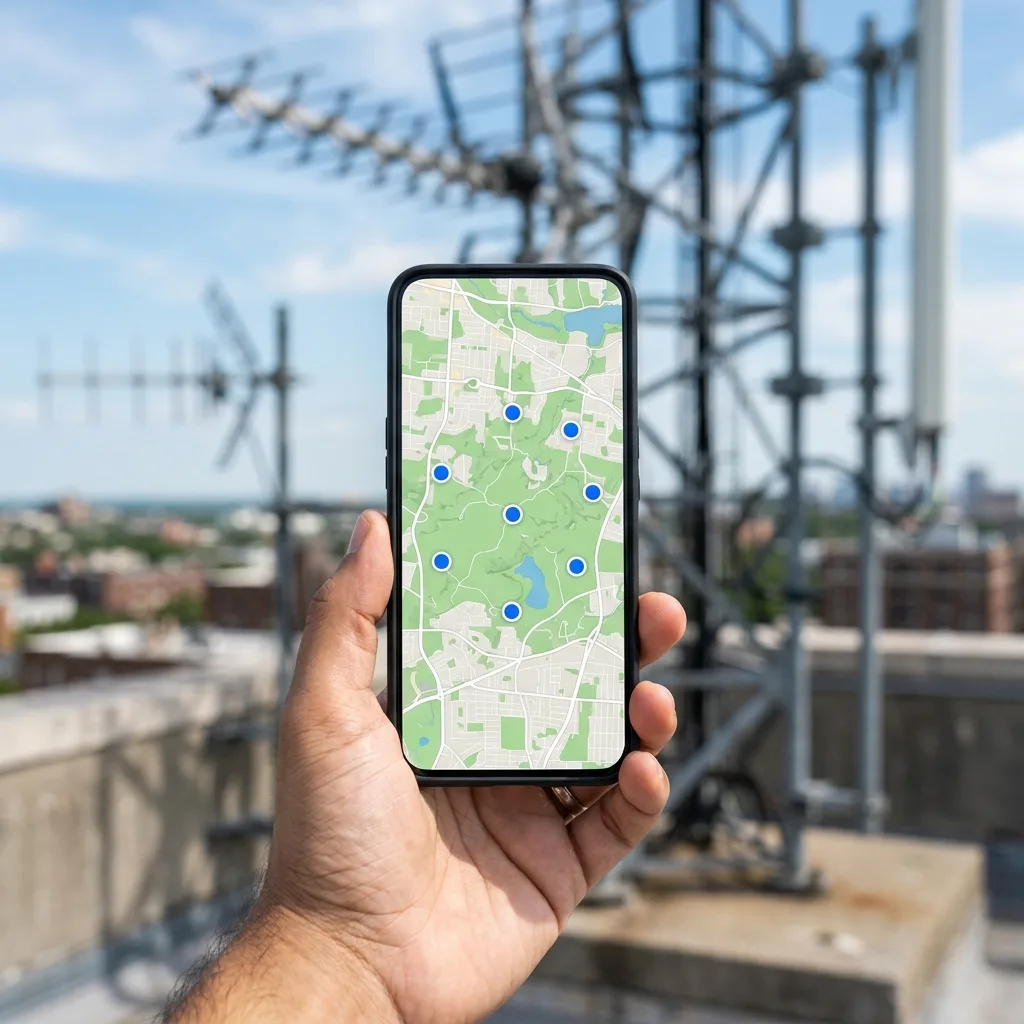
Phone apps are the fastest field tool because they combine a database with your live GPS position and a compass. The most useful ones do three things at once: show towers on a map, point you toward the one you need, and give you a bearing to aim at.
| App type | What it does best | Best for |
|---|---|---|
| Tower maps with compass | Shows all towers near you and points to the selected one as you rotate the phone | Quick directional aiming while on a ladder or roof |
| Official agency viewers | Direct links to the government facility records | Verifying official channel and power data |
| Signal meter utilities | Live dBm and quality readings from your own tuner | Comparing channels objectively |
| Compass and inclinometer | Precise bearing and tilt reference | Setting a mounted antenna accurately |
A practical workflow: open a tower map app, stand near where the antenna will sit, select the station you are trying to fix, and note the bearing. Then open a compass app and physically turn until the heading matches. Write the number down, because that is your aiming target.
One important caveat: phone compasses are affected by metal objects, car roofs, and even some building materials, so verify the bearing twice in different spots before you trust it. A cheap magnetic compass and a walkie-talkie with a signal meter, used together, can be more accurate than a phone in a metal roof space.
Method 4: Online Antenna Coverage and Prediction Tools
Several free online tools will estimate your expected reception before you buy anything. They take your address and return a channel list with predicted signal strength, and the better ones show a target antenna gain for each channel.
Use them to answer two questions: which channels are realistically available at your address, and whether the gain you need is modest (a few dB) or extreme (tens of dB). If a tool tells you that your local station needs 40 dB of gain, that is a signal that you have a line-of-sight problem, and no amount of antenna shopping will fix it properly.
When a prediction tool and a field measurement disagree, trust the field measurement. Terrain models are good but they do not know about your specific tree line, your neighbour’s new wall, or the scaffolding next door.
Method 5: Ask Your Broadcaster Directly
Underrated, but effective. Most stations publish a contour map showing their licensed coverage area, and larger stations often have engineers willing to answer reception questions from listeners. A station that is struggling with complaints from your specific area may already know the problem is a tree line or a terrain shadow, and that knowledge is free.
Search for the station’s call sign, which you will find on your TV as the channel number plus the network, or by looking at the station’s own website. Broadcast engineers are a small community and they are generally helpful to people trying to receive their signal properly.
How to Point an Antenna at the Tower
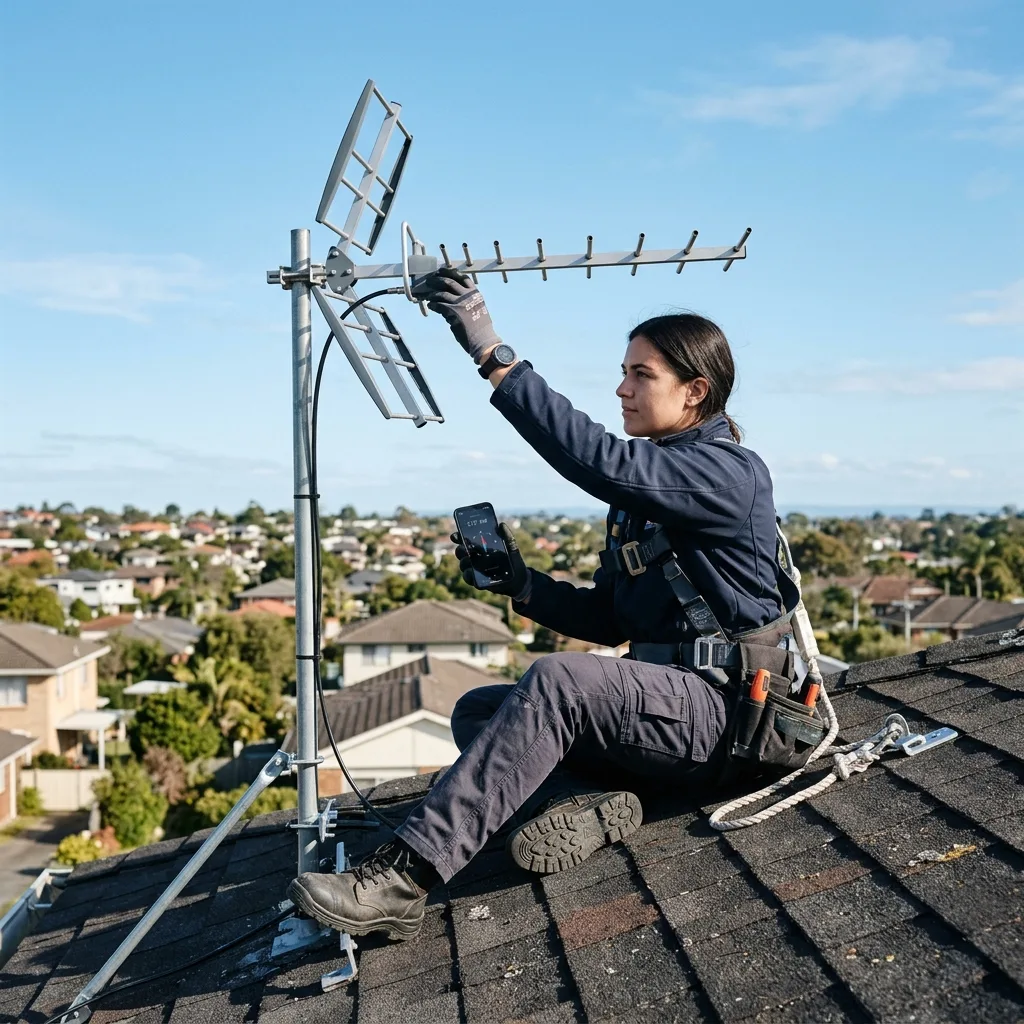
Once you have the bearing, the physical work is straightforward. This is the process that actually improves your picture.
- Fix the target bearing. Work out the compass heading from your location to the transmitter. Use the tower database, which usually gives you coordinates you can enter into a mapping tool to get an accurate bearing.
- Set the azimuth. Rotate the antenna to that compass heading. Rotational position, in degrees from north, is called azimuth.
- Set the tilt. Aim slightly above the horizon if the tower is tall and distant, and level or slightly down if the tower is close and tall. The tower’s height above ground and your distance from it determine the correct vertical angle.
- Verify with signal meters. Tune to a weak channel and make small adjustments while watching a numeric signal reading, not the picture. The picture is a lagging indicator; the meter is instant.
Work in small increments, about five degrees at a time, and allow the receiver’s signal average to settle between adjustments. A surprisingly common mistake is rotating far too fast and acting on a reading that has not stabilised yet.
Understanding the Numbers You Will See
Modern receivers report reception in several units, and knowing which one matters makes troubleshooting dramatically easier.
| Metric | What it measures | What is good |
|---|---|---|
| Signal strength (dBm) | Absolute power of the received carrier at your antenna | Above about -60 dBm is strong, below -80 dBm is marginal |
| Signal quality / MER | How cleanly the signal is decoded | Above about 80 percent is solid |
| SNR | Signal relative to background noise | Above about 20 dB is reliable, above 30 dB is comfortable |
| Bitrate | Actual decoded data rate | Near the station’s advertised bitrate means a clean feed |
Here is the diagnostic insight most people never get taught. Strong signal with poor quality means interference or multipath. A weak signal with good quality means you simply need more gain. These two problems have completely different fixes, and buying a bigger antenna only solves the second one. If your strength reads 80 percent and quality reads 30 percent, you do not have an antenna problem, you have a reflection or interference problem.
FM and AM Radio Are Different Animals
Everything above applies mainly to television and FM. AM radio introduces a complication people often forget.
AM stations transmit on a wideband signal that is reduced in power at night to prevent interference with other countries’ stations sharing the same frequencies. A station licensed for 50 kilowatts during the day may go to 500 watts at sunset. If a station works in the morning and fades at night, that is not a fault in your equipment; it is the station reducing power exactly as the rules require.
AM is also far more susceptible to electrical interference than FM, which is why AM reception indoors is often poor. A loop antenna near a window, physically rotated away from household wiring and electronics, frequently outperforms a popular straight AM antenna. FM behaves more like television: line of sight, gain matters, and direction matters.
Five Mistakes That Keep Reception Broken
- Mistaking strength for quality. Chasing a strength number when your real problem is multipath or interference wastes money and time.
- Buying a much larger antenna too early. A bigger antenna amplifies everything, including noise and unwanted reflections. A better position and a cleaner path beat raw gain almost every time.
- Aiming at the city centre instead of the transmitter. Broadcast towers are frequently outside the city, often on a hill or a tall structure on the edge of town.
- Rotating the antenna too fast to read the meter. Receivers average over time. Give each adjustment a few seconds to settle.
- Forgetting the trees. Leaf growth between readings can be the entire explanation for a picture that degraded across a season. Deciduous trees in leaf can absorb more signal than a modest distance penalty.
Quick Troubleshooting Checklist
- Identify which specific channels fail, then use a tower database to find the facility behind each one.
- Compare the transmitter distance and height with the other stations you receive reliably.
- Measure signal strength and quality separately on a failing channel.
- Test indoors and outdoors. If outdoors is dramatically better, the problem is structural obstruction, not equipment.
- Note that a weak station often shares a tower with a strong one; if so, the fix is aiming angle, not antenna size.
- Check the coax run for damage, kinks, and poorly seated connectors, which cause more real-world faults than antennas do.
Frequently Asked Questions
How do I find the broadcast tower for my TV station?
Use the regulator’s television facility database, which lists transmitter coordinates and call signs for every licensed station. Look up your channel, note the facility coordinates, and compare them against your own location to get a bearing and distance.
Is there an app that shows towers on a map?
Yes. Several phone apps plot nearby towers and point your device toward whichever one you select. They are the fastest way to get a bearing while physically adjusting an antenna, though you should verify the heading with a second method before you commit to a mount position.
How far away is the broadcast tower for my area?
Usually between ten and fifty miles for a full-power station, but it varies enormously by region. Tower databases show exact coordinates, so measuring the distance is straightforward. A tall tower on a hill can serve an area far beyond what the raw number suggests.
Does a taller antenna always improve reception?
No. Height helps only if it clears an obstruction or moves you closer to a useful line of sight. If the path to the tower is blocked by terrain or buildings, adding height to a mast in the same spot may do very little. Position and clear line of sight are more valuable than height.
Why does one channel pixelate while others are fine?
Usually because that channel comes from a different transmitter in a different direction, often further away or behind an obstruction. Find which facility carries the failing channel and compare its distance and bearing against the channels that work.
Can I use a phone to measure TV signal strength?
A phone can give you a direction, but it cannot give you a trustworthy dBm reading for a broadcast channel, because phone receivers are not designed to measure those frequencies. Use your TV, set-top box, or tuner for actual numbers, and use the phone for direction and maps.
Do FM radio towers use the same database as TV?
They are licensed and published by the same regulator, so the same official query tools cover both, with separate searches for each service. For the most detailed per-facility information, the community tower databases are usually the better source.
Start With the Free Tools
The technique to locate broadcast towers is genuinely simple once you know it exists, and it is almost entirely free. Pull your local channel list from the regulator’s facility database, cross-check the tower positions on a detailed community map, then use a phone app to get a precise bearing while you adjust the antenna. If you want a deeper read on the measurement side, our guide to practical free tech tools covers adjacent software options worth having on the same device.
Once the picture is stable, keep the reading handy. When you next consider a bigger antenna, you will know exactly which problem you are trying to solve, and you will not be spending money on gain you do not need.
Explore more on Dangit: health, technology, science, nature, featured, lifestyle, society, the local business directory and more reading.







[…] How to Locate Broadcast Towers Near You: 7 Free Tools That Work […]