










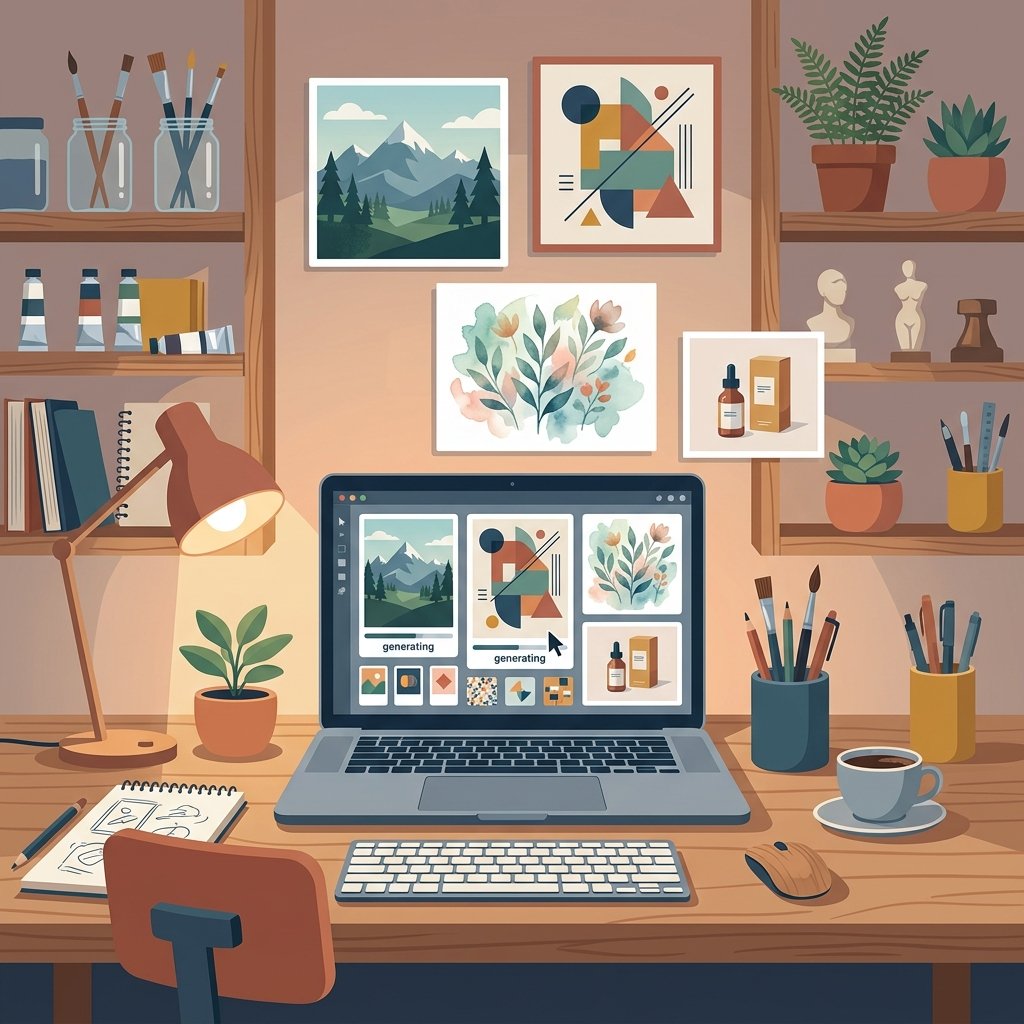
Free AI image generators have gone from novelty to daily tooling for millions of people. The tools that once required a paid subscription or a powerful computer are now available free in chat assistants, web apps and open-source models you can run yourself. The Stanford Institute for Human-Centered AI’s AI Index tracks how quickly these tools spread, and the direction is unmistakable: image generation is one of the most-used AI features among ordinary people, not just professionals.
This guide compares the leading free AI image generators in 2026, explains what “free” actually means at each one, covers the legal questions around copyright and commercial use, and ends with a practical plan for choosing the right free AI image generator without wasting hours. Everything here is grounded in published sources, and pricing and free limits are flagged as things you should re-check at the provider before you commit.
How free AI image generators actually work
Every AI image generator works from the same idea: a model trained on a huge collection of images learns to associate text descriptions with visual patterns, then draws a new image that matches your text prompt. The most famous family, Stable Diffusion, was first released openly in 2022 and quickly became the basis for dozens of apps. The open releases changed the economics of the field, because free AI image generators no longer had to hide a paid model behind a subscription.
You do not need to understand the math to use free AI image generators. The important things to understand are the outputs: an image the size you asked for, usually a square, generated in seconds to a few minutes, and different on every run even with the same prompt. Because the model is probabilistic, exact repetition is impossible, which is one of the reasons artists and designers both love and distrust the tools.
The prompt is the whole interface. A good description about subject, style, composition, light and what to avoid produces dramatically better results than a single vague phrase. The site’s guide to AI prompt tips covers the prompting habits that transfer directly to image tools.
The leading free AI image generators compared
No single “best” free AI image generator exists, because the tools trade off differently on quality, free allowance, ease of use and commercial rights. It helps to compare them by family. If you are new to AI tools in general, the site’s guide to AI for beginners covers the basics that carry over to image tools.
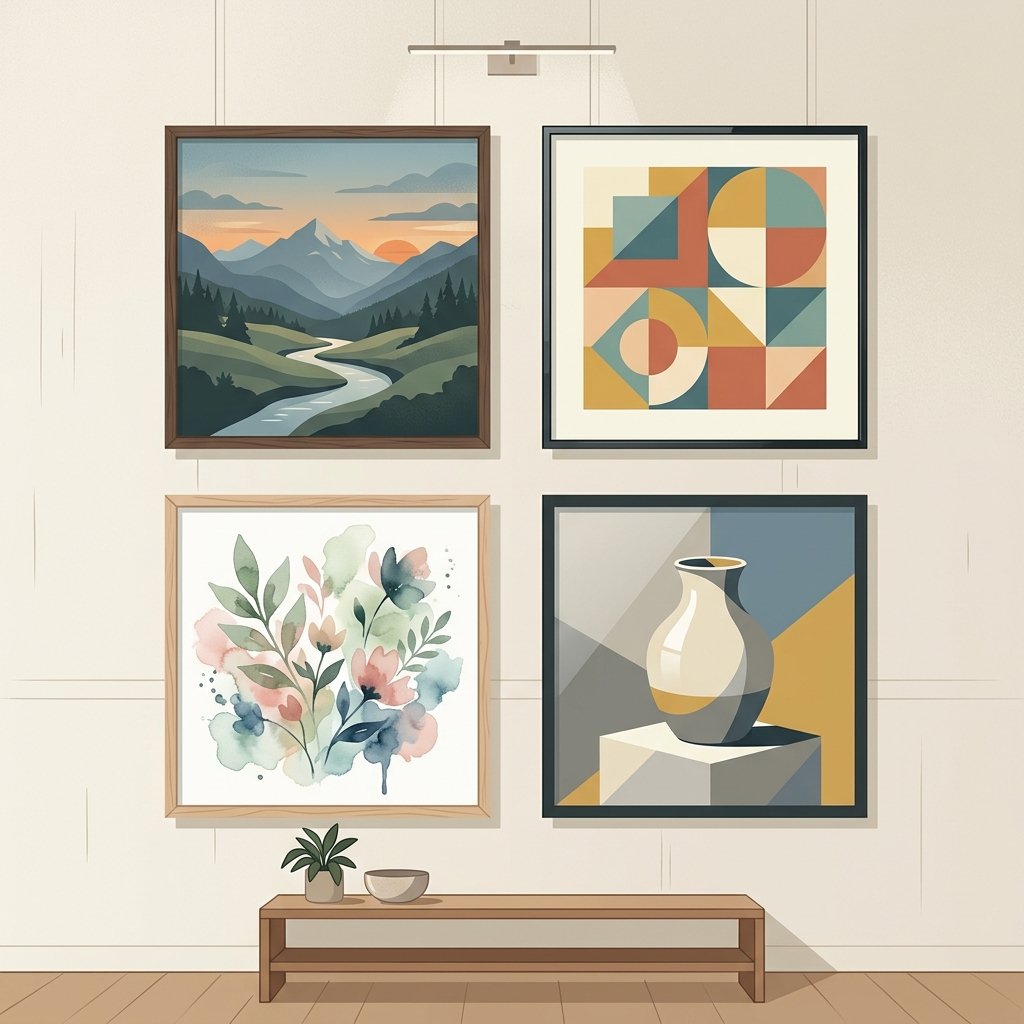
DALL·E and the big chat assistants
DALL·E, available through ChatGPT and Microsoft’s Copilot and Designer products, is the easiest free AI image generator for a beginner: you type in a chat box and get images back. The free tiers are limited by daily caps rather than a paywall, so they suit casual use and experiments. The same pattern now applies to Gemini’s image tool, which offers a generous free daily allowance inside the chat app. These tools are strongest for general-purpose images, quick drafts and prompts that mix several ideas.
Midjourney
Midjourney produces some of the most art-directed, aesthetically polished images of any model, and its newer versions finally fixed the old hands-and-faces weakness. That quality is why many creative teams pay for it. There is no meaningful free tier, however, so Midjourney is usually the second purchase, not the first experiment, on your path through free AI image generators.
Stable Diffusion and FLUX: the open-source option
The open-source route is the true workhorse among free AI image generators. Stable Diffusion and the newer FLUX models from Black Forest Labs can be downloaded and run on your own computer. When you run the model locally, there are no daily limits, no sign-up, no content scanning and no per-image cost, and the ecosystem of custom models and add-ons is the richest of any option. The trade-offs are real: you need a computer with a capable graphics card, and setup takes an afternoon for a beginner. The Wikipedia article on Stable Diffusion tracks how the open releases spread across apps, and that history explains why local tools remain so popular.
Ideogram
Ideogram’s headline skill is putting legible text inside images, something most other models get wrong. That makes it the go-to free AI image generator for posters, social graphics, logos and anything where an image must contain words. The free tier is deliberately small, so heavier text-in-image work drifts toward its paid plans.
Canva and Adobe Firefly
The design suites bundle image generation into tools people already use. Canva’s AI image tool gives every account a free allowance of text-to-image generations, which is often enough for quick marketing visuals, and Adobe Firefly was trained mainly on licensed imagery, which makes it among the safest options for commercial work. If you already live inside Canva or Adobe, these are the least disruptive way to start with free AI image generators.
What “free” really means in 2026
Every free AI image generator is free in a slightly different way, and the differences decide whether it will actually suit your work.
- Daily caps: most chat-based tools give a fixed number of images per day on the free tier, from a handful to a hundred. Fine for light use, frustrating for bulk work.
- Sign-up walls: some tools need an account, some need a phone number, and a few run entirely without an account. Account-free tools are easiest to test.
- Queue and speed: free tiers are often slower than paid ones, either in generation time or in a queue at busy periods.
- Quality tiers: free tiers usually serve a slightly older or lighter model than the paid flagship, which matters when you compare outputs side by side.
- Watermarks: some free services stamp their output or limit the resolution until you pay. Check before you plan around a tool.
- Rights: the fine print matters more than any other factor, and it varies by service and by tier. The commercial-use section below explains why.
The honest summary: the biggest free allowances live in the chat assistants and in running an open model yourself, and free AI image generators in the design suites give smaller but convenient allowances. Identity is the deciding test of how far a free AI image generator will take you.
Commercial use, copyright and the legal picture
Whether you may use a generated image in a product, advert or website depends on three separate questions: the tool’s licence, the copyright status of the output, and the rights of the artists whose work trained the model. They are not the same question, and all three are unsettled.
Licence first. Every service publishes terms describing what you may do with its images, and commercial use is often allowed on paid tiers while free tiers are restricted to personal use. Read the terms of the specific tier you are on rather than assuming.
Copyright is the hard part. In most countries, including the United States, courts and regulators are still deciding whether purely AI-generated images can be copyrighted at all, and whether human editing changes the answer. The Electronic Frontier Foundation maintains a running analysis of the artist lawsuits against the image-model companies and of the policy fights over licence-free training data. In the UK, the government has run a formal consultation on copyright and artificial intelligence, including how AI-generated images should be treated, and the eventual law will shape what small creators can safely do. The practical position for anyone running free AI image generators in 2026: keep records of your prompts and edits, assume nothing about automatic protection, and for anything commercially valuable, prefer tools whose terms explicitly grant commercial rights.
The risks: deepfakes, misleading images and privacy
Easy image generation has a dark side, and free AI image generators make it wider. Realistic images of people who did not pose for them can be made by anyone, which powers both harmless fun and harassment, fraud and disinformation. The US National Institute of Standards and Technology (NIST) publishes a risk management framework for exactly this kind of AI use, and its generative AI profile covers measures such as labelling synthetic content and testing tools before deployment.
For a business or a content site, the operational rules are simpler. Never publish an AI image as if it were a photograph; the rule holds for every free AI image generator, from simple web toys to local open models. Label synthetic images clearly, especially when they show real people, places or events, and keep the prompt and the tool name on file. If the image is being used commercially, confirm the licence before publishing. Many organisations now also require disclosure when AI-generated images appear in campaigns, both for legal reasons and for trust with their audience.
Privacy is the quieter risk. Free AI image generators are subsidised by data, so assume your prompts are used to improve the service and can be seen by its staff. Do not upload customer photos, documents or anything sensitive into a free consumer tool. If privacy matters, run an open model locally or use a paid business tier. The site’s guide to website safety applies the same caution to evaluating any online tool before you share data with it.

How to choose a free AI image generator (five steps)
The fastest route to a working tool is a small, structured experiment. It works for any of the free AI image generators.
- Name the job. Is it social graphics, product pictures, website art, or fun? The job decides the tool: text tools for posters, photo-real tools for products, chat tools for speed.
- Test two tools side by side. Pick one chat assistant with a daily cap and one dedicated tool or open model, and run the same three prompts through both.
- Judge the outputs on your job, not on beauty. Set the image at the size and format you actually need, then check whether it is usable, editable and on-brand.
- Read the licence before you rely on it. If the work is commercial, only a tier with explicit commercial rights is safe.
- Set a monthly habit. Re-evaluate free allowances and model quality quarterly, because free AI image generators change their terms faster than any other category of software.
Most people end up with two tools: a fast chat generator for drafts and an open or dedicated tool for finished work. That pairing costs nothing, covers almost every image job, and can be upgraded piece by piece later. Used for marketing, social posts and product shots, it plugs directly into the wider workflow covered in the complete guide to AI for small business.
Free AI image generators: the bottom line
Free AI image generators are good enough for real work in 2026. Beginners should start with a chat assistant’s free tier and learn prompting; anyone producing images regularly should learn one open model such as Stable Diffusion or FLUX, where the real power and the real savings live; and anyone creating commercial work must read the licence and label images honestly before publishing.
The pattern that works is narrow and repeatable: one clear job, two tools compared, outputs judged on usefulness, and a quarterly re-check of terms. The pattern that causes trouble is assuming a free AI image generator is free in every way, then discovering the limits only when the work is due.
Frequently asked questions
These are the questions that come up most when people start comparing free AI image generators.
Which free AI image generator is the best?
There is no single best tool. A chat assistant with a daily cap (such as the image tools in ChatGPT, Copilot or Gemini) is the easiest starting point for general images, while an open model such as Stable Diffusion or FLUX is best for unlimited free work if you have the hardware, and Ideogram leads for images that contain readable text. Pick by your job, not by a ranking.
Are free AI image generators really free?
Free tiers are genuinely free, but each one limits you differently: daily image caps, accounts, queues, speed, resolution or watermarks. The truly unlimited options are the open-source models you run on your own computer, where the only cost is your hardware and time.
Can I use free AI images for commercial purposes?
Only if the specific tier you are using grants commercial rights. Paid tiers usually do; free tiers are often restricted to personal use. Check the terms of your plan before using any image in a product, advert or website, and keep records of your prompts and edits.
Who owns the images an AI generator creates?
Legally, this is still being settled. Many services grant you broad use of images within their terms, but whether a purely AI-generated image can be copyrighted is an open question in most jurisdictions, including the United States, and the UK has held a formal consultation on it. Assume nothing about automatic protection.
Do free AI image generators need a powerful computer?
No. Cloud-based free AI image generators run in your browser on any modern device. Only the open-source models like Stable Diffusion or FLUX need local hardware with a strong graphics card to run at practical speed.
How do I avoid misleading people with AI images?
Never publish a synthetic image as a photograph. Label it clearly as AI-generated, especially when it depicts real people, places or events, keep your prompt and tool name on file, and follow any labelling requirement that applies in your jurisdiction or industry.
Sources
- Stanford Institute for Human-Centered AI, The AI Index: hai.stanford.edu
- Electronic Frontier Foundation, AI issues and artist lawsuits: eff.org
- UK Government, consultation on copyright and artificial intelligence: gov.uk
- NIST, AI Risk Management Framework and Generative AI Profile: nist.gov
- Wikipedia, Stable Diffusion (history and open releases): en.wikipedia.org
This article reflects published information current as of October 2026. Tool names, free allowances, prices and terms change frequently, so confirm the current details on each provider’s own site before relying on a free AI image generator. The images are AI-generated illustrations and do not depict real people or specific products; they were made with generative tools for this article.




[…] Free AI Image Generators: The Best Tools Compared in 2026 […]
[…] Free AI Image Generators: The Best Tools Compared in 2026 […]