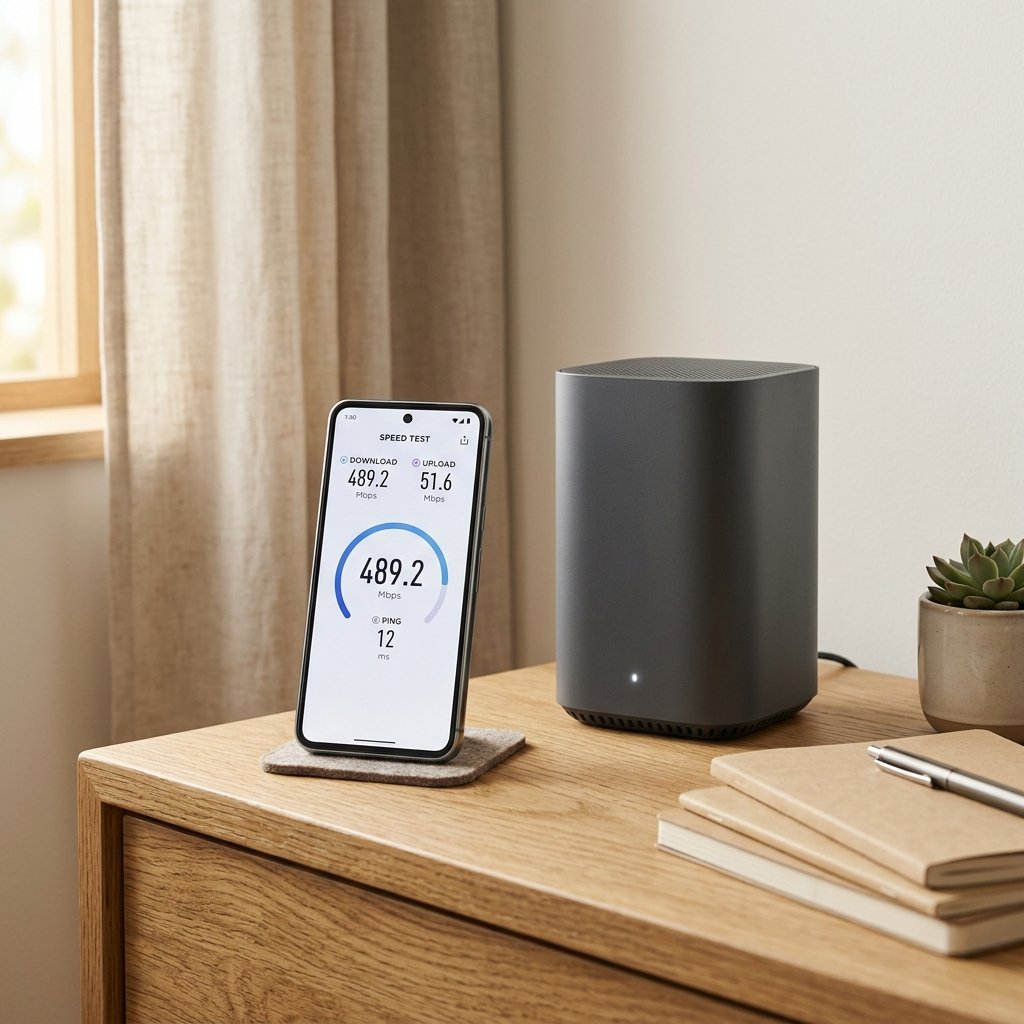
Internet speed is measured in megabits per second (Mbps). A speed test tells you what you are actually getting, which is often less than the number on your plan. Here is how to test it properly and what to do if it is slow.
How to check your internet speed
- Connect the device you want to test to your Wi-Fi or, for the most accurate result, to the router with a cable.
- Close other apps and pause downloads and streaming.
- Open a speed test site or app, such as Ookla Speedtest, Fast.com or your provider’s own test.
- Run the test a few times at different times of day.
Compare the result with the speed your plan promises. A small gap is normal. A large gap, especially on a wired connection, needs attention.
What the numbers mean
- Download speed: how fast data comes to you. Matters for streaming, browsing and downloads.
- Upload speed: how fast data leaves you. Matters for video calls, cloud backups and sending files.
- Ping (latency): the delay in milliseconds. Lower is better, especially for gaming and calls.
- Jitter: variation in ping. High jitter causes stuttering on calls.
10 ways to improve your internet speed
- Restart the router: unplug it for 30 seconds and plug it back in.
- Move the router: place it centrally, high up, away from walls and metal objects.
- Use the 5 GHz band: it is faster and less crowded than 2.4 GHz, though with shorter range.
- Switch to a cable: an Ethernet cable is faster and more stable than Wi-Fi.
- Update router firmware: check the admin page for updates.
- Change the Wi-Fi channel: use a less crowded channel, especially in flats.
- Limit background use: pause cloud backups and large downloads during calls.
- Check for interference: microwaves, cordless phones and thick walls can weaken signal.
- Use a Wi-Fi extender or mesh system: for large homes with dead zones.
- Check your plan: if you consistently hit the limit, you may need a faster plan or a different provider.
When the problem is not your Wi-Fi
If a wired test is also slow, the issue is likely your broadband line or provider. Check for outages in your area, and contact your provider if the speed is far below the promised level.
Frequently asked questions
Why is my internet fast on my phone but slow on my laptop?
Different devices have different Wi-Fi chips and positions. Test both on the same network, and check that the laptop is on the 5 GHz band.
Does a VPN slow down internet speed?
Yes, usually a little, because traffic is routed through another server. The drop varies by provider and server.
How much speed do I need?
For one or two people browsing and streaming, 25 to 50 Mbps is usually enough. For a family with 4K streaming and gaming, 100 Mbps or more is comfortable.