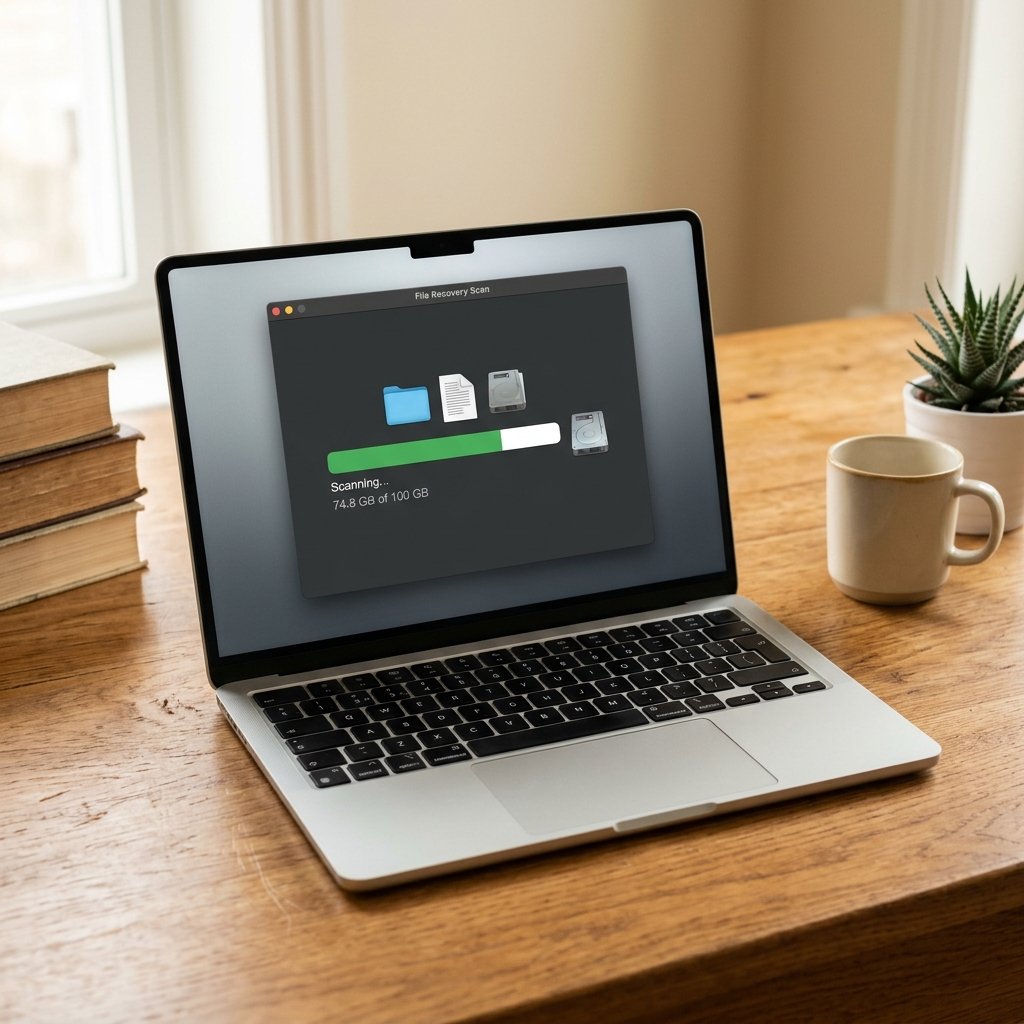
Deleted a file you still need? Stop using that device for anything else. When you delete a file, the operating system usually removes the pointer to the data rather than erasing it immediately. The data stays on the drive until something new overwrites it. That gives you a real chance of recovery, but every minute of normal use reduces it.
Where deleted files go, and how long you have
| Device | First place to check | Typical recovery window |
|---|---|---|
| Windows PC | Recycle Bin | Until emptied |
| Windows (backup) | File History / Previous Versions | Depends on backup settings |
| Mac | Trash | Until emptied |
| Mac (backup) | Time Machine | As long as backups exist |
| Android | Files by Google trash / Gallery trash | Usually 30 days |
| Android (photos) | Google Photos > Trash | 60 days |
| iPhone | Photos > Recently Deleted / Files > Recently Deleted | 30 days |
| Google Drive | Drive > Trash | 30 days |
Recover deleted files on Windows
1. Check the Recycle Bin
Open the Recycle Bin from the desktop. Find the file, right-click and choose Restore. It returns to its original folder. If the Recycle Bin has been emptied, move to the next step.
2. Check File History or Previous Versions
Right-click the folder where the file lived and choose Properties > Previous Versions. If File History or System Protection is enabled, you may see dated snapshots you can open or restore. This only works if backups were configured before the deletion.
3. Check cloud sync trash
If the file was in OneDrive, Dropbox or Google Drive, open the web version and check its recycle bin. OneDrive keeps files for 30 days by default, Google Drive for 30 days, and Dropbox for 30 days (longer on paid plans).
4. Use Windows File Recovery
Microsoft’s free command-line tool can recover files from NTFS, FAT, exFAT and ReFS drives. Install it from the Microsoft Store, then run Command Prompt as administrator. A basic example for an NTFS drive:
winfr C: D: /regular /n \Users\YourName\Documents\report.docx
This scans the C: drive and writes recovered files to D:. Always recover to a different drive than the one you are scanning, or you may overwrite the data you are trying to save. Use /extensive for a deeper scan when /regular finds nothing.
5. Try reputable recovery software
Tools such as Recuva, PhotoRec or EaseUS can scan for deleted files. Install the software on a different drive if possible, and save recovered files elsewhere. Free versions often limit how much they restore.
Recover deleted files on Android
1. Check the trash folders
Photos: open Google Photos > Library > Trash. Files: open Files by Google > Trash. Many Samsung, Xiaomi and OnePlus gallery apps also have their own 30-day recycle bin.
2. Check Google Drive trash
Open the Drive app or drive.google.com and look in Trash. Files stay there for 30 days unless you delete them permanently.
3. Restore from a backup
If Google One backup or your manufacturer’s cloud backup was enabled, you can restore app data and some files after signing in on a new device. This restores the backup state, not files created after the last backup.
4. Recover from an SD card
If the file was on a microSD card, remove the card and connect it to a computer with a card reader. Run recovery software against the card directly. Stop writing new data to the card immediately. If your phone storage is full and you are deleting files to make room, see how to free up Android storage first.
Recover deleted files on iPhone and iPad
1. Photos: Recently Deleted
Open Photos > Albums > Recently Deleted. Select the photo and tap Recover. Items stay for 30 days. Videos and screenshots follow the same rule.
2. Files: Recently Deleted
Open the Files app > Browse > Recently Deleted. This covers files stored in iCloud Drive and On My iPhone.
3. iCloud.com
Sign in at icloud.com, open Photos or iCloud Drive, and check Recently Deleted there. This can recover items deleted from another device using the same account.
4. Restore from iCloud or computer backup
If you have an iCloud backup or a backup made with Finder or iTunes, you can restore the whole device. This replaces current data with the backup, so back up anything new first. It is the most reliable route if the file was deleted before the last backup.
Recover deleted files on Mac
- Open Trash and choose Put Back on the file.
- Open Time Machine and browse to the date before deletion, then restore the file.
- Check iCloud Drive > Recently Deleted at icloud.com.
- If the file was in a synced folder, check the cloud provider’s trash.
What reduces your chances of recovery
- Continuing to use the device, especially installing software or downloading files
- Saving recovered files back to the same drive
- Running a “cleaner” or disk optimisation tool that writes to the drive
- Emptying the trash after you realise the mistake
- Encryption without a recovery key, which can make raw recovery impossible
How to make sure this never happens again
Use the 3-2-1 rule: keep at least 3 copies of important data, on 2 different types of media, with 1 copy off-site (cloud or a drive stored elsewhere). Turn on File History on Windows, Time Machine on Mac, and Google Photos or iCloud backup on your phone. Test a restore once or twice a year so you know the backup actually works. Our phone backup guide covers the mobile side step by step.
Cloud sync is not a backup on its own. If you delete a file and the deletion syncs everywhere, you need version history or a separate backup to get it back.
Frequently asked questions
Are deleted files gone forever?
Not immediately. Until the storage space is reused, the data usually remains on the drive and can often be recovered. The chances fall as you keep using the device.
Can I recover files after a factory reset?
Usually not from the phone itself, because a factory reset wipes the storage. Your best chance is a cloud backup or a computer backup made before the reset.
What is the best free file recovery tool?
For Windows, Microsoft’s own Windows File Recovery is free and reliable. Recuva and PhotoRec are also widely used. On phones, the built-in trash folders are the best free option.
How long do deleted files stay in the Recycle Bin?
Windows keeps them until the bin is emptied or the size limit is reached, then removes the oldest items. The default limit is about 5% of the drive. There is no fixed number of days.
Does emptying the Recycle Bin permanently delete files?
It removes the file entry, but the data often remains on disk until overwritten. Recovery software can still find it, which is why you should stop writing to the drive after a mistake.