










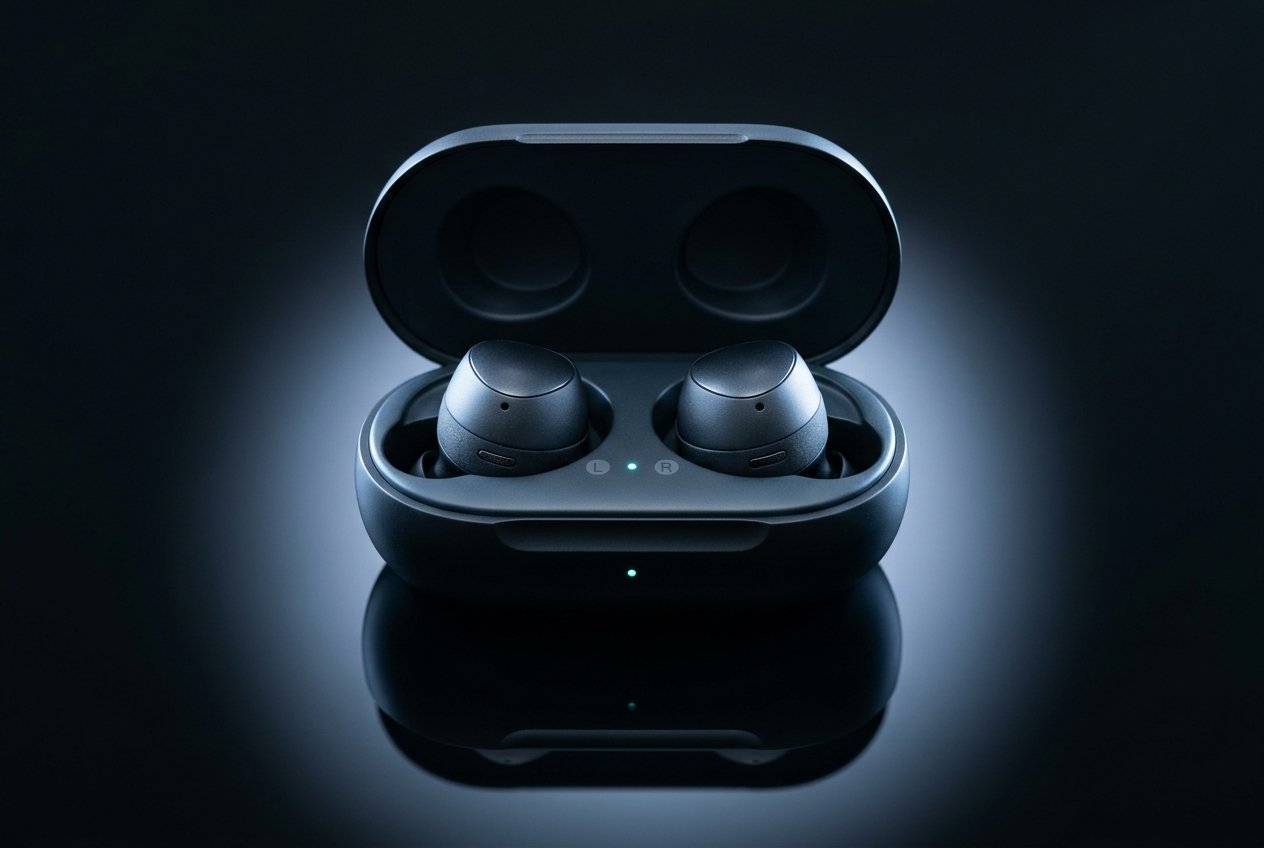
Bluetooth is a short-range wireless standard for exchanging data between devices over radio waves, operating in the 2.4 gigahertz frequency band. It is what connects your headphones to your phone, your keyboard to your laptop, and an increasing number of sensors, trackers and home devices to everything else.
It was named after Harald Bluetooth, the tenth-century king who united Danish tribes — a deliberate choice, since the technology’s purpose was to unite different communication protocols. The logo is his initials in runic script.
The radio it uses
Bluetooth occupies the 2.4 GHz ISM band — 2400 to 2483.5 MHz — which is licence-free worldwide. That availability is why so much else lives there too: Wi-Fi, cordless phones, baby monitors, microwave ovens, and some wireless cameras.
Sharing a band with all of that would make Bluetooth unusable. Its answer is frequency hopping.
Frequency-hopping spread spectrum
Classic Bluetooth divides the band into 79 channels of 1 MHz each and switches between them 1,600 times per second, following a pattern agreed between the two connected devices. Bluetooth Low Energy uses 40 channels of 2 MHz, three of which are reserved for advertising.
Three consequences:
- Interference resilience — if a Wi-Fi network is saturating one part of the band, Bluetooth spends only a tiny fraction of its time there and hops away
- Reduced collision risk — multiple device pairs rarely occupy the same channel at the same moment
- Security — the hopping pattern is itself a layer of protection, since an eavesdropper would need to track it
Adaptive frequency hopping takes this further by identifying permanently crowded channels and avoiding them entirely — which matters enormously in offices where Wi-Fi is dense.
How devices arrange themselves
In classic Bluetooth, a piconet consists of one master device and up to seven active slaves. The master sets the hopping pattern and timing; slaves synchronise to it. Multiple piconets can link into a scatternet.
In practice, most consumer devices operate as a master connecting to several peripherals — a laptop to a mouse, keyboard, headset and phone simultaneously.
Classic Bluetooth vs Low Energy
These are related but substantially different protocols, and the distinction explains most of the confusion around versions.
| Classic (BR/EDR) | Bluetooth Low Energy (BLE) | |
|---|---|---|
| Introduced | 1999 | Bluetooth 4.0, 2010 |
| Priority | Continuous data transfer | Minimal power consumption |
| Connection style | Persistent | Short bursts, then sleep |
| Power | Higher | Low enough for coin cells lasting months |
| Typical uses | Audio (A2DP), file transfer, tethering | Fitness trackers, beacons, sensors, smart home, medical devices |
BLE devices spend most of their life asleep, waking briefly to transmit. That is why a fitness tracker runs for days on a tiny battery while headphones playing music do not.
Pairing and security
When two devices pair, they exchange and store cryptographic keys so future connections can be encrypted without repeating the exchange.
- Just Works — for devices without a display or input, no user confirmation
- Numeric Comparison — both devices show a number; you confirm they match. This defeats simple man-in-the-middle attacks
- Passkey entry — one device displays, you type into the other
- Out of Band — pairing bootstrapped through NFC or a QR code
Secure Simple Pairing and later LE Secure Connections use elliptic-curve cryptography to protect the exchange itself. Once bonded, traffic is encrypted with AES.
The practical advice: pair only what you need, remove old pairings you no longer use, and be cautious with devices that pair automatically without confirmation. Note that Bluetooth security protects the link — it does nothing about what a compromised endpoint does with the data.
Profiles and codecs
Bluetooth defines profiles — specifications for particular jobs:
- A2DP — stereo audio streaming
- AVRCP — play, pause and track control
- HFP — hands-free calls
- HID — keyboards, mice, game controllers
- GATT — the data-exchange framework behind essentially all BLE devices
For audio, the codec determines quality and latency. SBC is mandatory and universally supported but lossy. AAC is common on Apple devices; aptX family (including aptX Adaptive and aptX Low Latency) and LDAC offer higher bitrates. Since Bluetooth 5.2, LC3 in the LE Audio specification delivers better quality at a lower bitrate than SBC — an improvement in efficiency rather than raw bandwidth.
Versions — and why they mislead
The version number describes the specification revision, not the features your device supports. A device advertising “Bluetooth 5.3” may support none of the notable 5.3 features. Always check the supported features and profiles.
| Version | Year | What it added |
|---|---|---|
| 2.0 + EDR | 2004 | Enhanced Data Rate, up to 3 Mbps |
| 3.0 + HS | 2009 | High speed via a Wi-Fi radio for large transfers (rarely used) |
| 4.0 | 2010 | Bluetooth Low Energy introduced — the biggest structural change |
| 4.2 | 2014 | LE Secure Connections, larger data packets |
| 5.0 | 2016 | 2× speed, 4× range, 8× broadcast capacity |
| 5.1 | 2019 | Direction finding — angle of arrival/departure for centimetre-level locating |
| 5.2 | 2020 | LE Audio, LC3 codec, Auracast broadcast audio |
| 5.3 | 2021 | Improved channel classification and connection efficiency |
| 5.4 | 2023 | Periodic advertising with responses; lower power for dense device networks |
| 6.0 | 2024 | Channel sounding — centimetre-accurate ranging between devices |
Range and speed in reality
Nominal class ratings — Class 1 around 100 m, Class 2 around 10 m, Class 3 around 1 m — describe open-air conditions with no obstacles. Real-world range is governed by three factors:
- Obstructions — walls, furniture, and notably the human body. Water absorbs 2.4 GHz radiation efficiently, so a phone in a back pocket with a body between it and the receiver will perform markedly worse
- Interference — USB 3.0 ports and unshielded cabling are a surprisingly common cause of 2.4 GHz disruption; so is a microwave oven running
- BLE’s coded PHY — Bluetooth 5’s range gains come largely from a longer-range encoding mode that trades throughput for robustness. The “4× range” claim assumes that mode is in use
Throughput is similarly theoretical: 2 Mbps PHY does not mean 2 megabytes per second of sustained transfer, because protocol overhead, packet size and retransmissions all take a share.
Fixing the common problems
Dropouts and stuttering
- Move the receiver away from USB 3.0 ports and unshielded cables
- Reduce distance and remove bodies and walls from the path
- Move your Wi-Fi access point or change its channel — it shares the band
- Charge the device; low power degrades radio performance before it stops the connection
Audio lag during video
Classic Bluetooth audio has inherent latency, often well over 100 ms, caused by buffering and encoding. Fixes: use a codec supporting low latency where both ends allow it, enable a game or low-latency mode if available, or use a wired connection when timing matters. LE Audio with LC3 improves this meaningfully for newer devices.
It will not pair
- Delete the pairing on both devices, then rediscover — a failed handshake is often cached and retried indefinitely
- Power cycle both
- Confirm both support the required profile, not merely the same version
- Check the device is not already connected elsewhere; many devices allow only one active host
One earbud quieter or disconnected
True wireless earbuds typically use one bud as master and relay to the other, so re-pairing can differ from conventional devices. Placing both buds back in the case, closing it, and waiting a few seconds resets the relationship reliably.
Bluetooth against the alternatives
| Technology | Best for | Trade-off |
|---|---|---|
| Bluetooth | Personal-area devices, audio, peripherals | Limited throughput and range |
| Wi-Fi | High-throughput local networking | Far higher power draw |
| Zigbee / Thread | Mesh home automation with many low-power nodes | Requires a hub or border router |
| NFC | Instant pairing at a few centimetres | Too slow and short for anything else |
| UWB | Precise spatial ranging and direction | Higher cost, less common |
Bluetooth often partners with these rather than competing: NFC bootstraps a Bluetooth pairing with a tap, Thread carries the mesh traffic, and the newer Matter smart-home standard uses Bluetooth LE for device commissioning before handing off to Wi-Fi or Thread.
Frequently asked questions about Bluetooth
Does Bluetooth use a lot of battery?
Bluetooth Low Energy was designed specifically so it would not. A BLE sensor transmitting periodically can run for months or years on a coin cell. Classic Bluetooth streaming audio is the exception — that draws real power, largely because of the codec processing and continuous connection rather than the radio alone. Keeping Bluetooth enabled on a phone when nothing is connected has a negligible cost on modern hardware.
Is Bluetooth safe to use?
The radio operates at very low power — typically 1 to 100 milliwatts, far below a phone call on cellular. There is no established evidence of harm from Bluetooth at these levels. The realistic concerns are practical rather than health-related: eavesdropping on unencrypted legacy connections, pairing with an untrusted device, and tracking via persistent device identifiers.
Why does my Bluetooth keep disconnecting?
Most often interference or obstruction. USB 3.0 hardware near the adapter or receiver is a frequently overlooked cause; so is carrying the phone in a pocket with your body in the signal path. Failing to reconnect to a remembered device is usually a stale cached pairing, resolved by deleting it on both ends. If it happens only with one device, the problem is that device’s firmware or profile implementation.
Can Bluetooth be hacked?
Older pairing methods with fixed PINs were demonstrably weak, and eavesdropping on an active connection has been demonstrated with the right equipment. Modern implementations using LE Secure Connections with numeric comparison are substantially harder to attack. The larger practical risk is pairing with a device you should not have, or a compromised endpoint — which no amount of link encryption addresses.
Do newer versions work with older devices?
Yes — Bluetooth maintains backwards compatibility, so a 5.4 phone connects to a 4.0 headset. It then operates using only the features both sides support, which is why buying the highest version number does not improve a connection to an older peripheral. The version tells you what the newest device is capable of, not what the link will do.
This article explains general technology concepts. For interference with your wireless network, see our guide on fixing slow Wi-Fi, and for how wireless spectrum compares with cellular, what is 5G.






[…] How Does Bluetooth Work? Versions, Range and Fixes […]